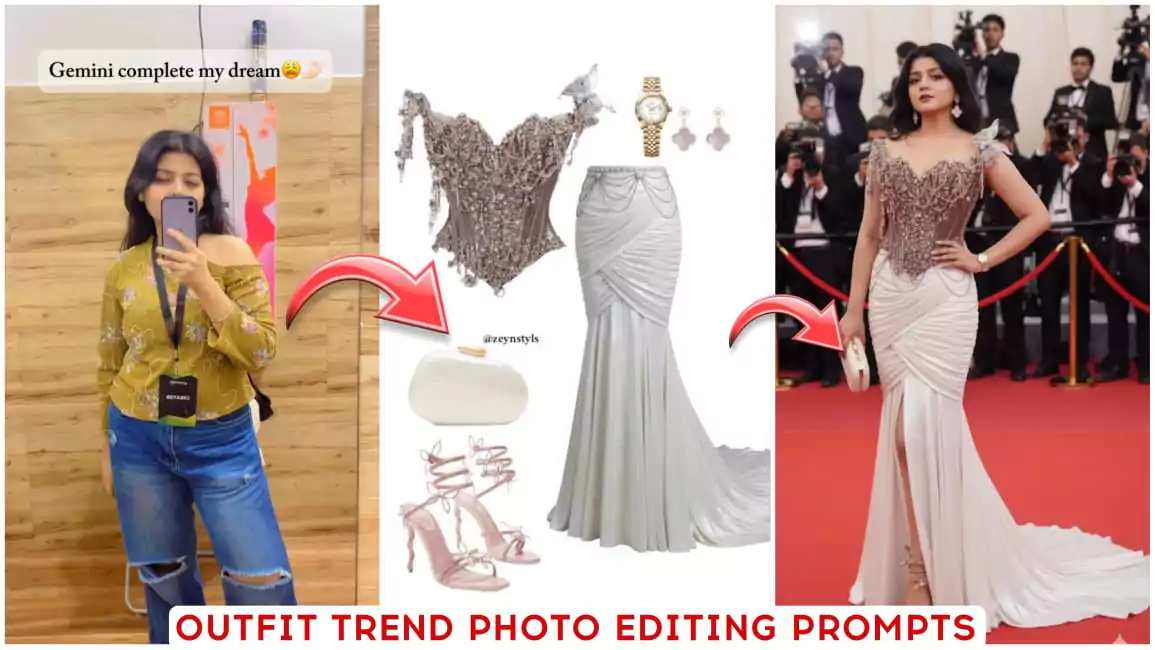
Google Gemini Outfit Trend Ai Photo Editing Prompts – You must be aware of the new trend, that this kind of editing trend goes viral very quickly, and let me tell you, you can make such viral videos very easily. Making it is also very simple, and I am going to share its steps with you here. Let me tell you, this outfit trend. Girls are creating it a lot, and right now is a good time for this trend to easily create your video on it. So right now, I will explain to you in editing how you can use photos with this kind of output. How can such photos go viral? I will explain every single thing in detail. You will be able to edit it with absolute 100% accuracy.
Google Gemini Outfit Trend Ai Photo Editing Prompts
The most accurate time for this type of editing is what I am going to tell you. That is this, you must follow these tips so that you get good results and your editing will also be perfect in it, so I will explain and how your editing is done. Now you have to decide this, so you will see here. This trending outfit, how it is made. First of all, a photo of an outfit is put here. Second, your prompt is required. Third, your photo will be required. If you do not know or understand these three things properly, then your editing will not be as you want?
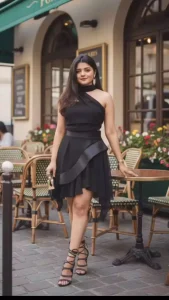
Prompt: Change the entire outfit in the first photo to match the outfit in the second photo. Don't change anything else
Make the girl where the outfit in the second picture and click the picture outside a café. The photo should look realistic. The girl is making a cute pose while clicking it. The face should be very clear and exactly like the girl.

Make Sure That You Upload your photo first then your outfit photo as second so then when you send it to gemini it will make the outfit photo as first then your photo as second then the photo will be created and the prompt will work For best result try to use your standing photo so the ai can generate your photo more accurately
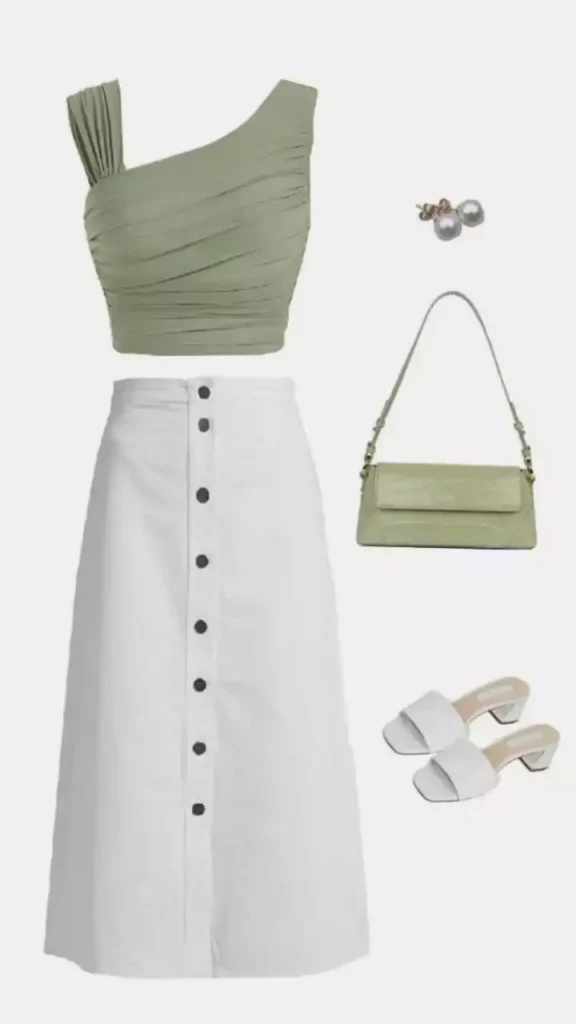
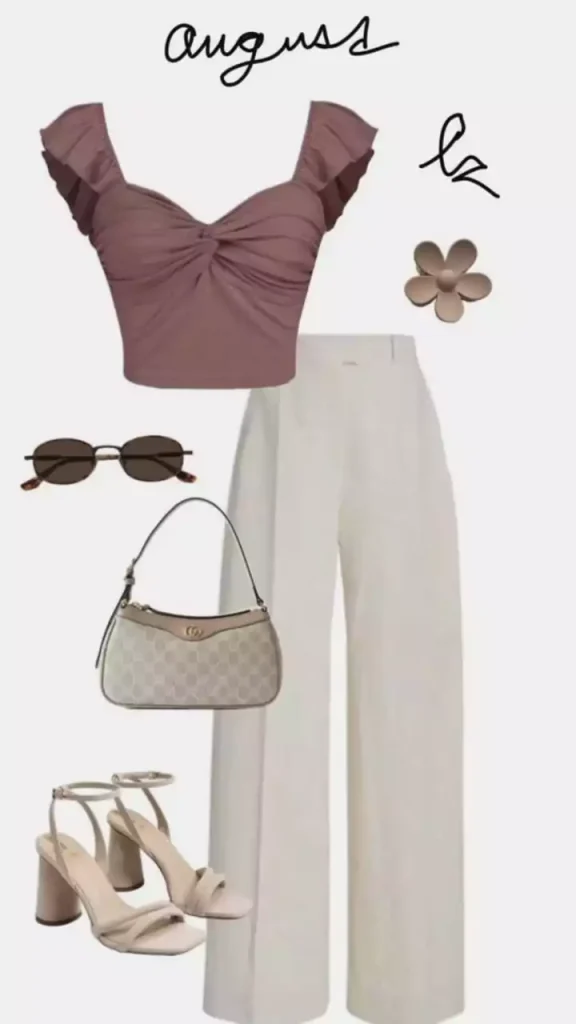
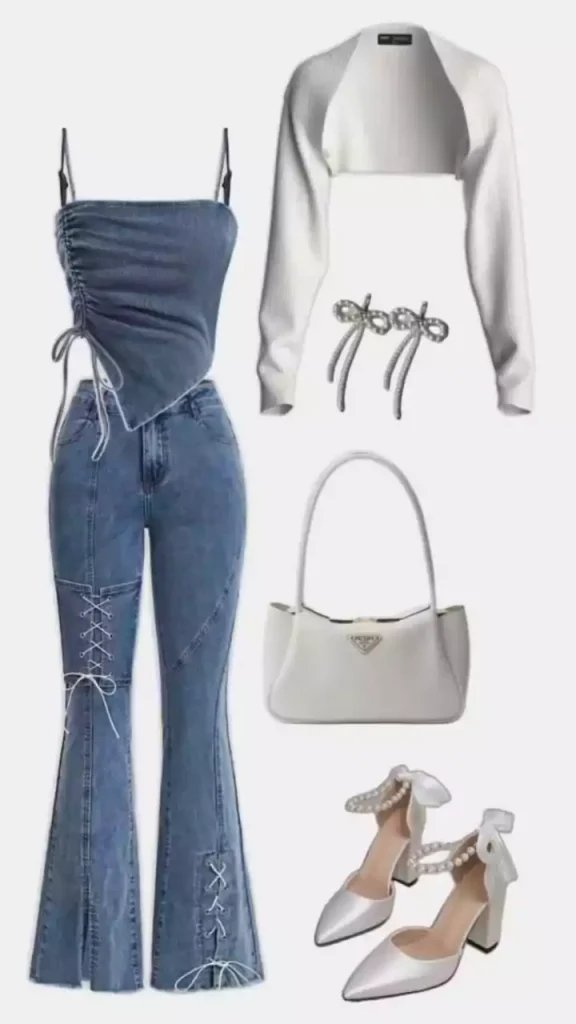
Use These Outfit

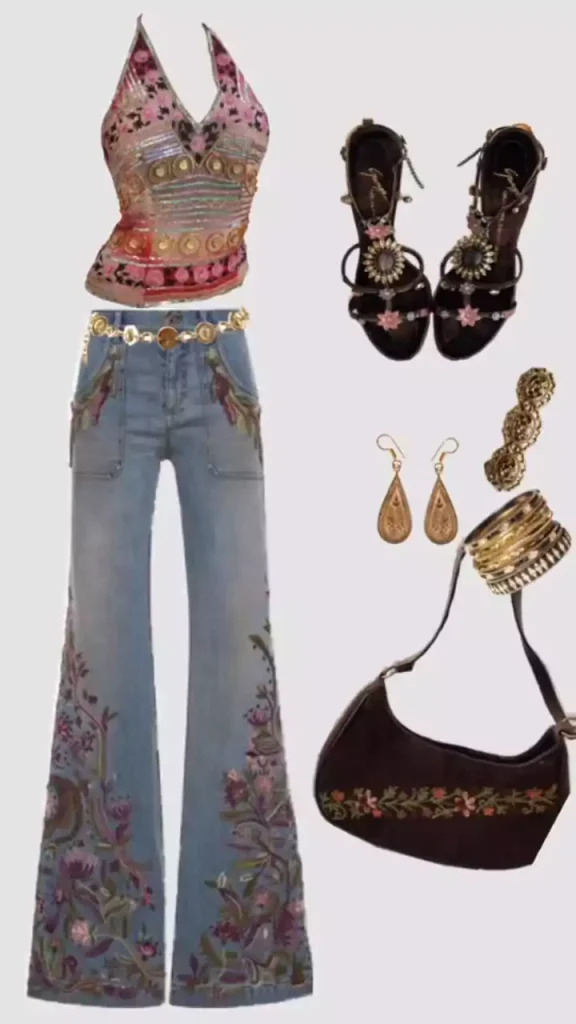
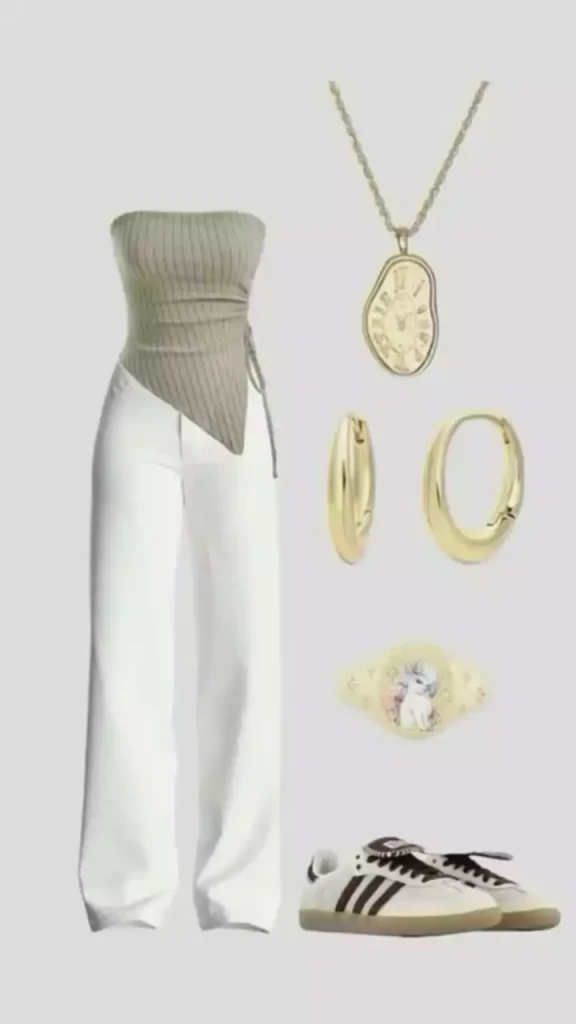
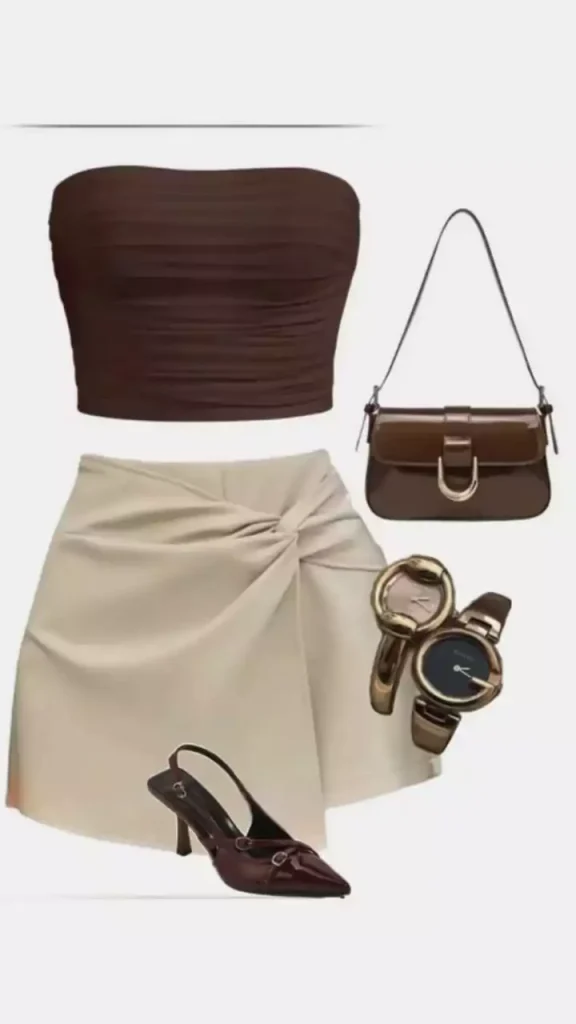
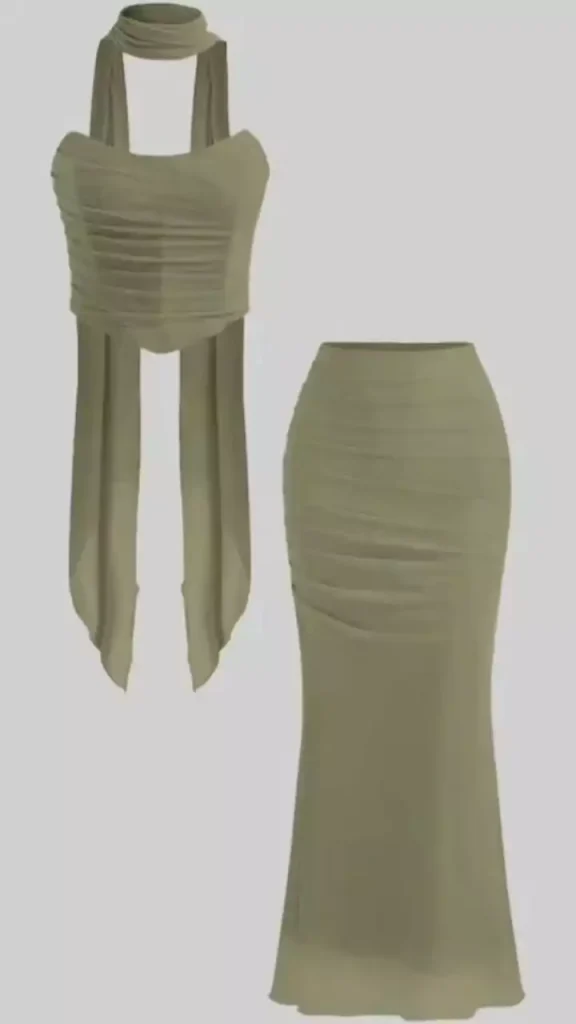

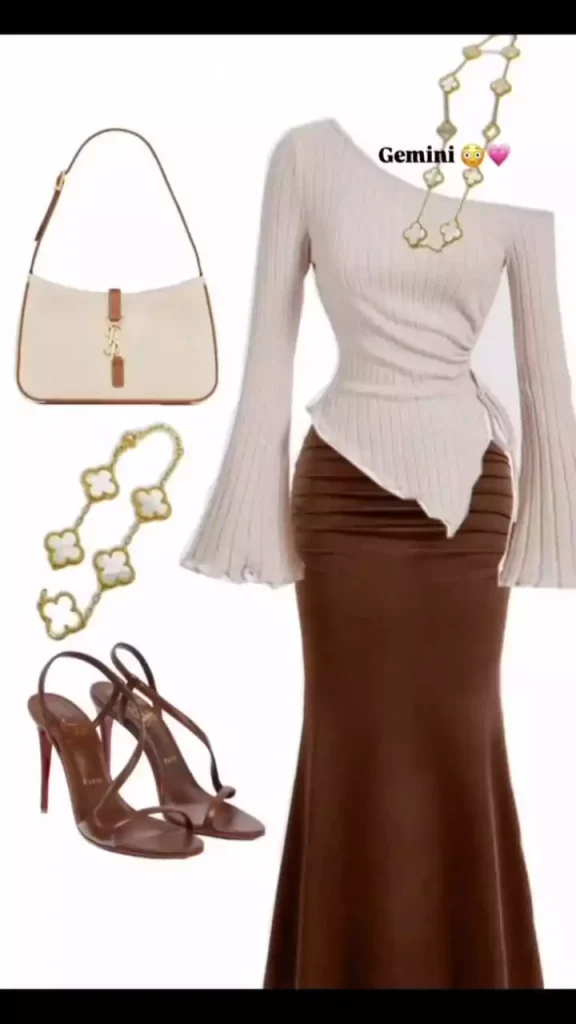
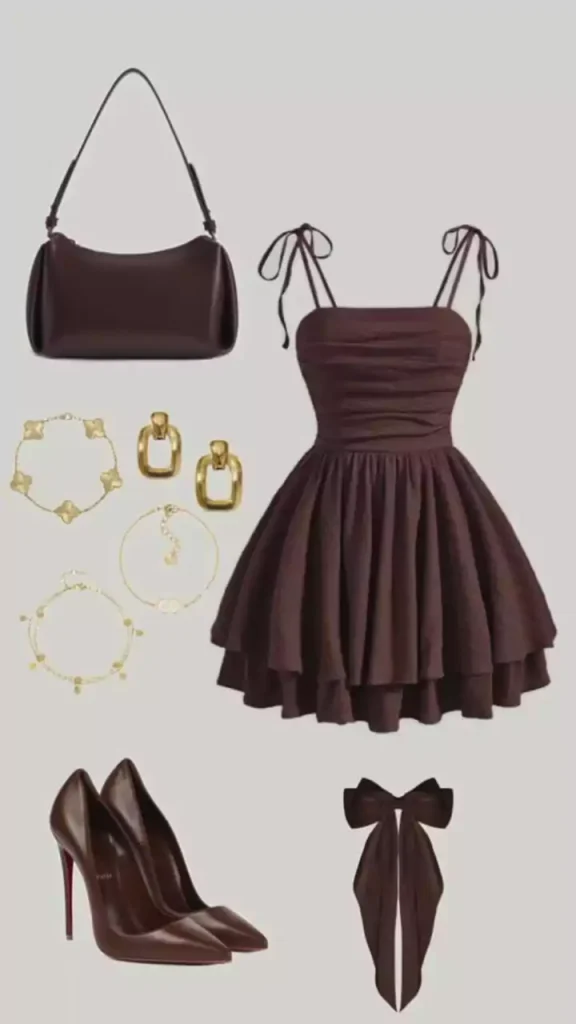
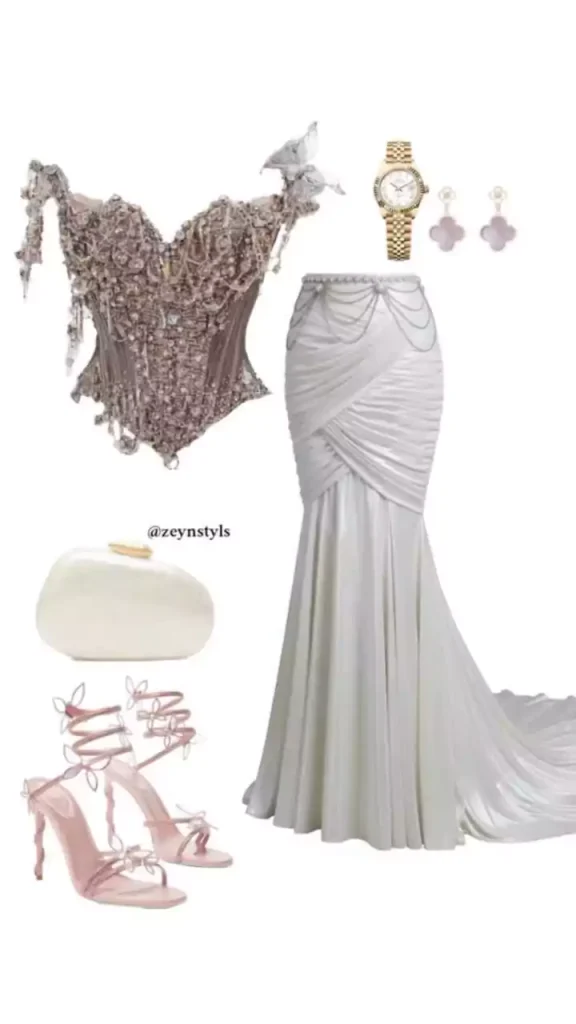
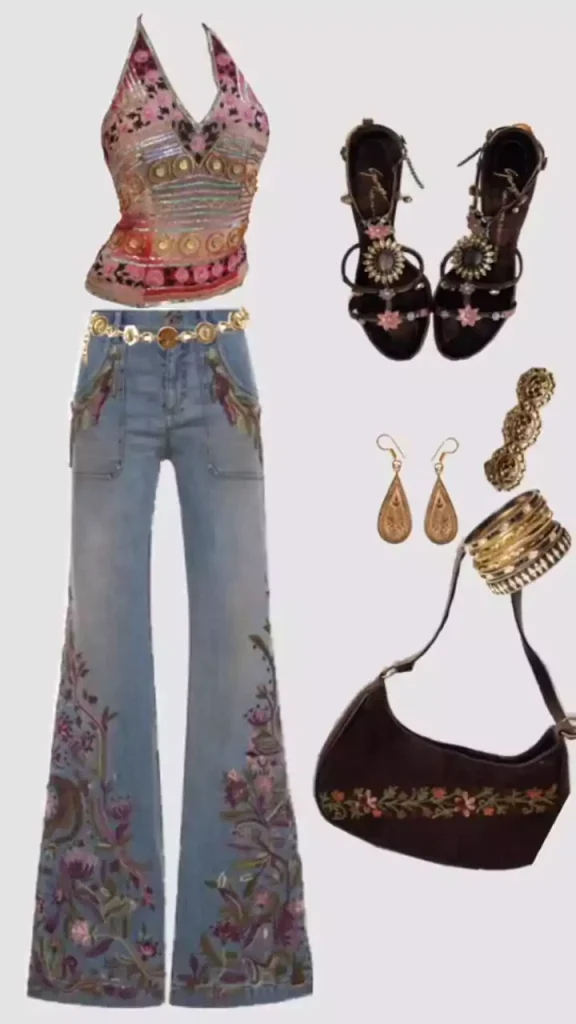
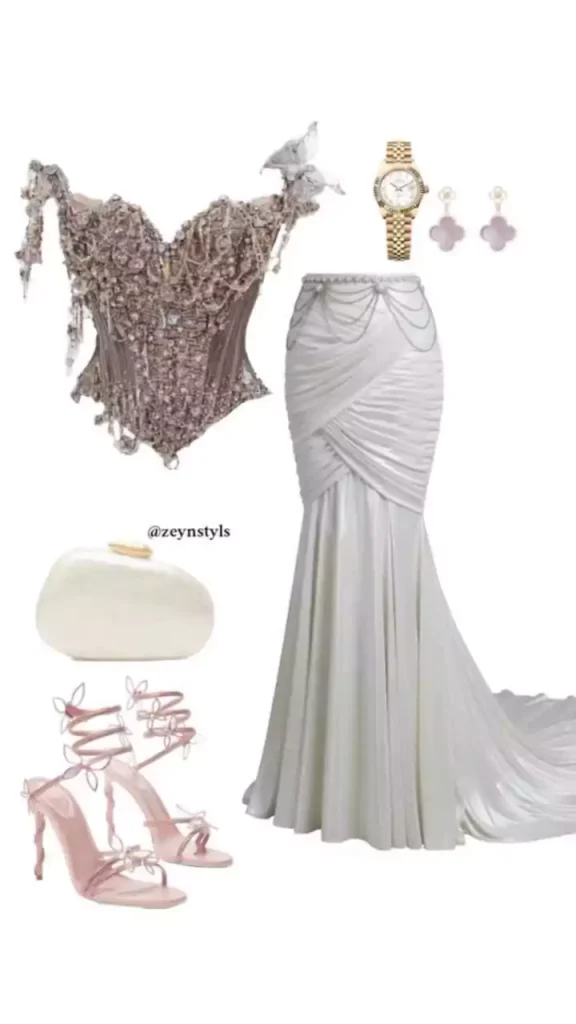
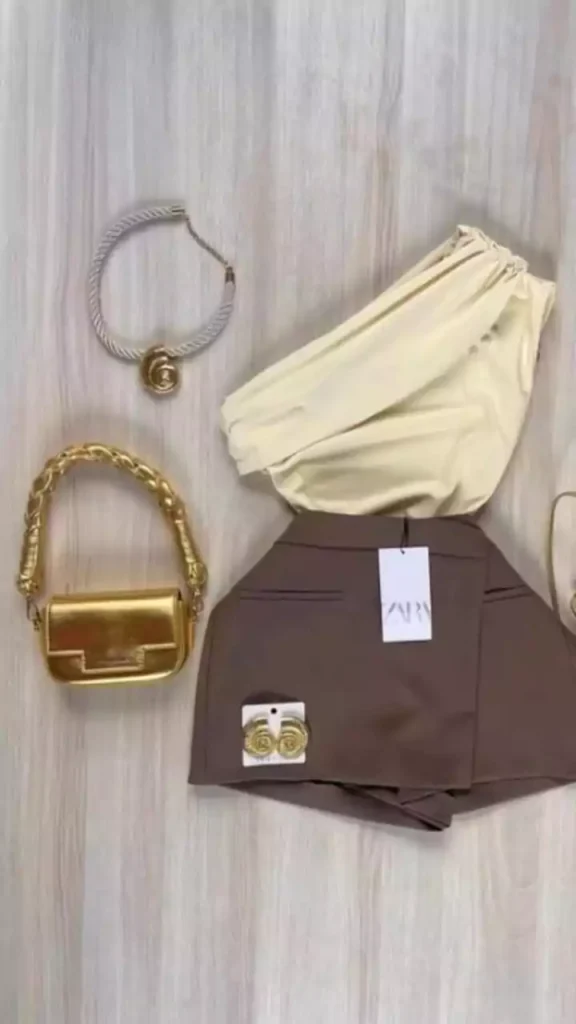
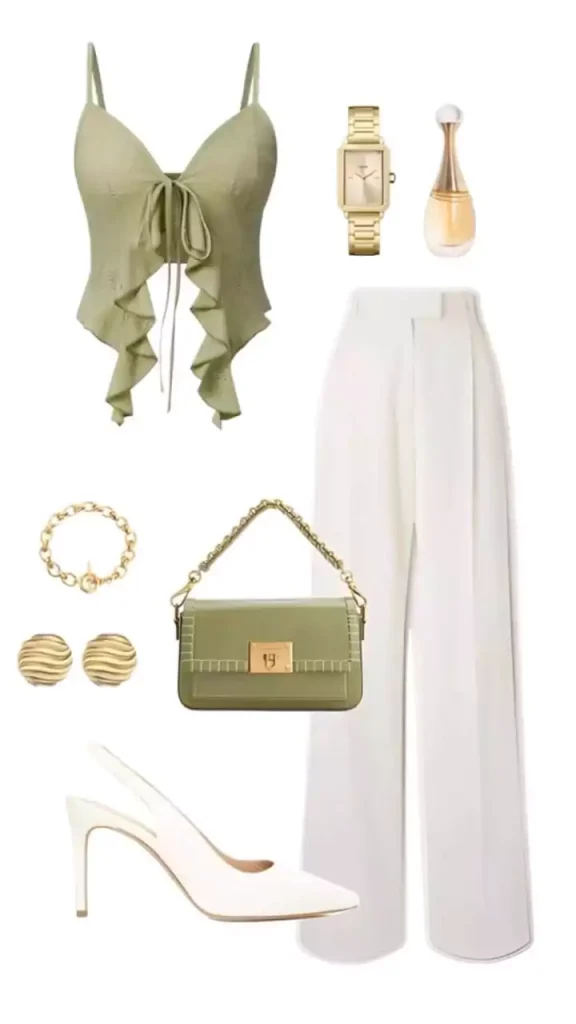
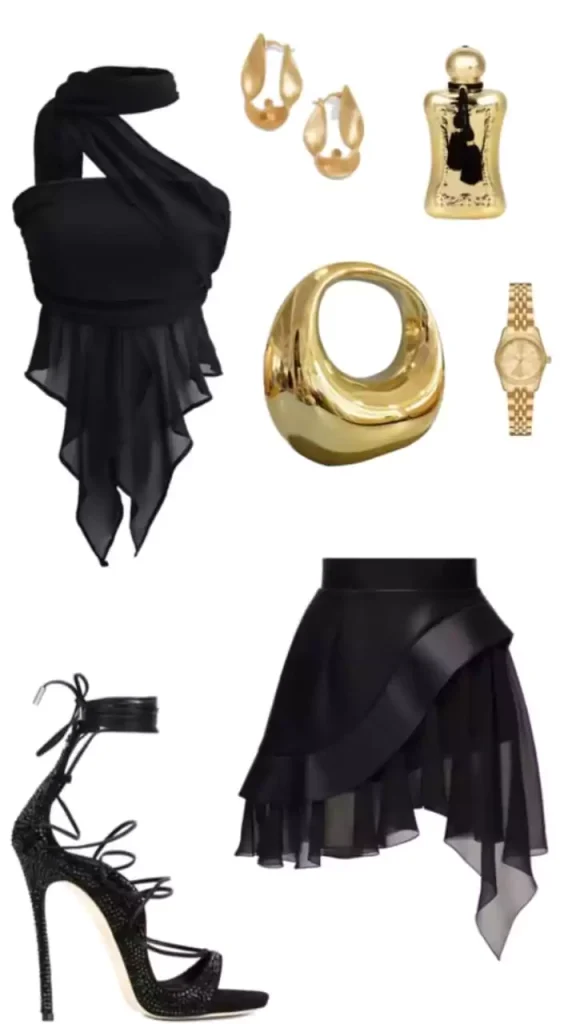
100% Perfect Face Steps
Creating it is quite simple. I’ll explain it to you. First, you’ll need to use a photo of your clothes. Where can you find this photo of clothes? Look, I’ve provided at least 10 photos of different types of clothes here. You can download them. After downloading them, you can use only those. Now, after these photos are created, you’ll need to use your face, or a full photo of yourself. What will it do in the photo? It will change the clothes.
Now, I’ll explain how it does the change. You’ll see there that when it changes, there may be a slight change in the face. You just need to write, “My face should be as I uploaded the photo myself.” There’s no need to change anything. Second, as I mentioned, you need to use a prompt. Also, use the prompt there and then generate it. I’ll explain this step by step later.
How To Use Google Gemini Outfit Trend Ai Photo Editing Prompts
Generating a photo is as easy as I’ve explained everything. If you read this one carefully, your photo will be generated perfectly. You won’t face any other problems. Let me tell you, just look, copy the prompt given here. Second, save the output photo from here. Now, go to the Google Gemini website, and the link is provided here. You can go there by clicking on it. Once there, first, paste the prompt. Paste it there, and after pasting, go to the plus option. First, select the outfit photo. Second, select your photo, and then select Generate.
It takes a few seconds and it will generate your photo. For example, you used the outfit photo, and most of the time, you’ll have to use the same problem here. Now you’re just changing the clothes you already have there. If the prompt isn’t changing, what do you do? Just put the outfits on there and keep generating your photos.
Conclusion
I hope you enjoyed this new approach, as I explained all the details in a completely different way. I tried to make sure you understood everything thoroughly. Now, it’s up to you how well you understand and implement everything. We’ll continue teaching you editing skills, and your videos will continue to go viral.