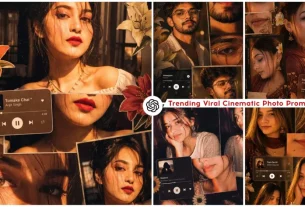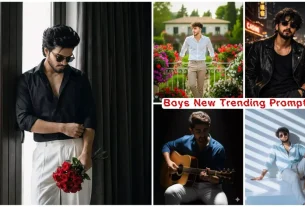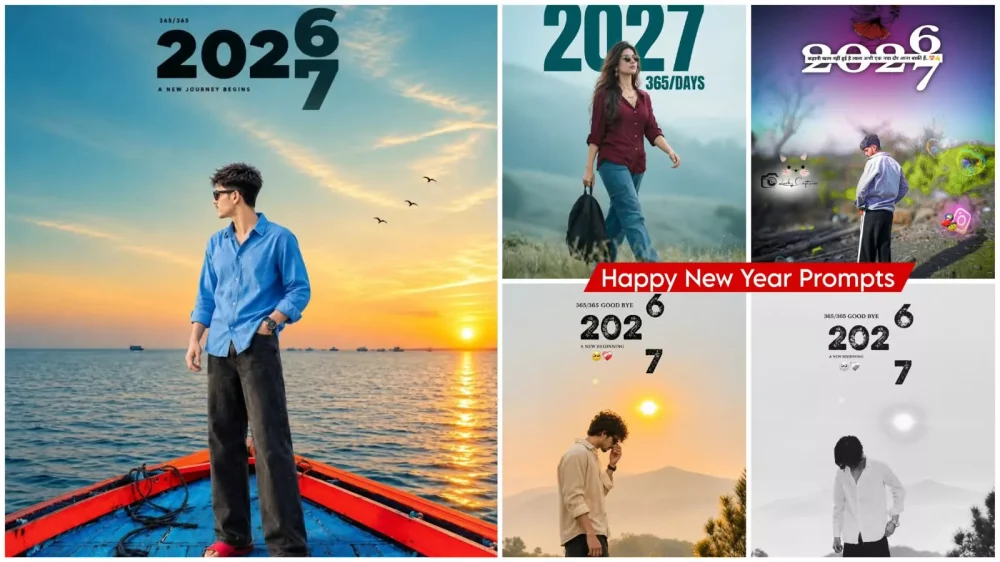
New Year 2027 AI Photo Editing Prompts – The New Year is approaching, and preparations to welcome 2027 have already begun. On social media, you will see many people uploading striking photos. You might notice that people are transforming their ordinary photos into spectacular New Year-themed images—and thanks to ChatGPT, this is something you can easily do yourself. You can leverage AI to create professional-looking photos with ease. Simply follow the step-by-step guide I’ve provided, and you’ll achieve excellent results. There’s nothing else you need to do; give it a try, and you’ll be very pleased with the outcome.
Why is AI photo editing becoming so popular in 2027?
If you want to create photos today, AI plays a pivotal role. It allows you to transform your ordinary photos into professional-looking images—for instance, by incorporating a glowing “2027” or showcasing celebratory themes. You will also find the latest trending photo styles available here. If you want to create such images, simply use the right prompt; you’ll get excellent results, and your edited photos will be perfect and ready to go viral.
How To Use New Year 2027 AI Photo Editing Prompts?
First, open ChatGPT and use the right prompt—I have provided several options here, so just copy and paste one. Next, click the plus (+) icon to upload a reference photo—ideally one that clearly shows your face—to ensure the best possible result. Once you hit ‘generate,’ your photo will be professionally edited, yielding an excellent outcome that you’re sure to love.
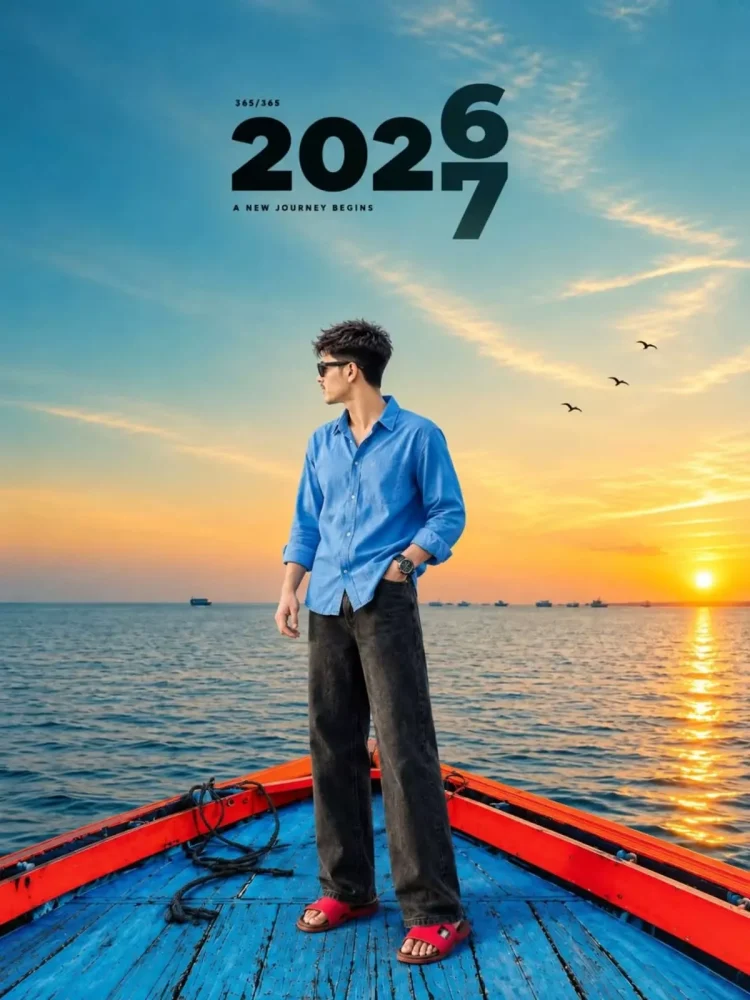
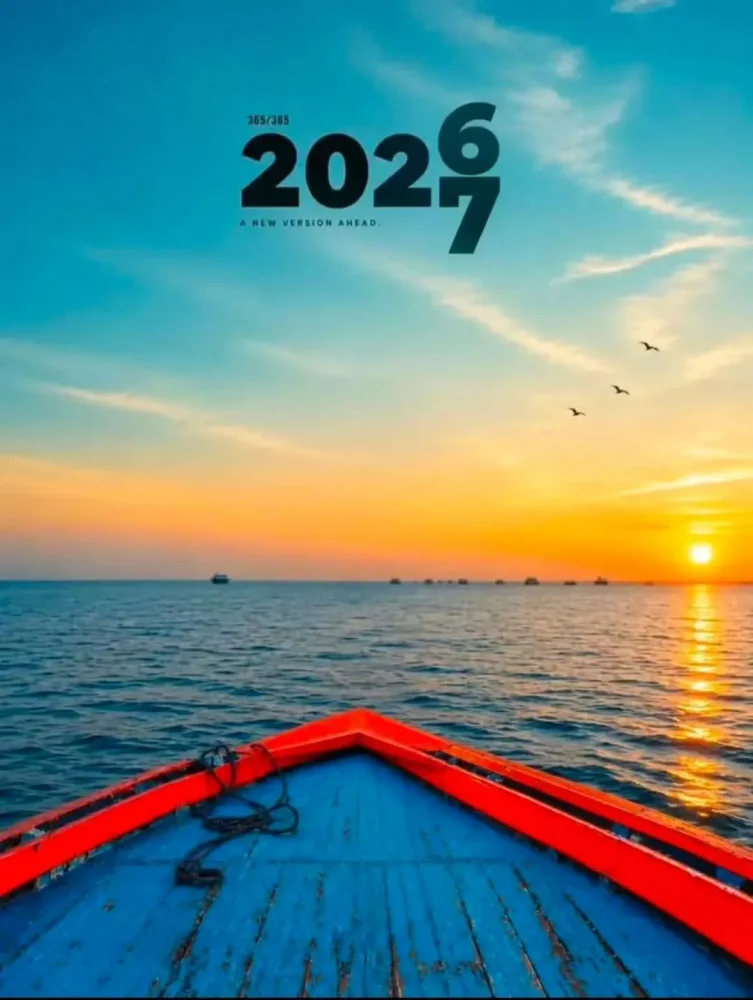
Place the person from the first photo into the second photo in a realistic and natural manner. Adjust the person's size, position, perspective, lighting, and proportions to match the background perfectly. Do not change the person's face or identity. Keep the background exactly as it is without making any alterations. Do not add, remove, or modify anything else in the image. Enhance the final image to ultra-HD 8K quality and set the aspect ratio to 3:4.
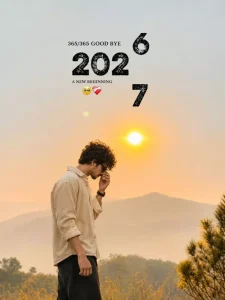
A cinematic, photorealistic portrait of a young man with curly hair and a short beard, wearing stylish black sunglasses, a textured beige corduroy shirt with the sleeves casually rolled up, dark pants, and a black smartwatch. He is shown in a thoughtful pose, standing in side profile with his head slightly bowed and one hank naer his face, as if adjusting his glasses or lost in thought. The scene is set during golden hour with a glowing sun in the warm orato sky, soft misty mauntae layers in the distance, and natural grals and alake highting with golden backlięing ia soff ainder andd hae gacio sith, harm shallow deptnih, andıldoe goody, soef paspde mn in a verticar portrait composition (4:5) using a telephoto lens around 85mm, f/2.8, ISO 100, and 1/500s, the image features a clean, minimal composition, ath serith gaeë npamey othe side, and smooth, creamy bokehri.., shek.gfoind, highoing a peaceful and introspective mood, ultra detailed, photorealistic, premium editorial photography.
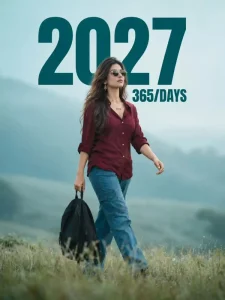
A photorealistic, cinematic outdoor portrait of a stylish young woman walking across a grassy hilside, shot in a medium full-body view from a slightly low angle to create a confident, empowering look. The woman has long, wavy, voluminoux hair flowing naturally in the breeze, wersing stylish aviator subnesses and orhate slun. Set, a fium a determined and on arrtakive gimee, She is dressed with a deep-down button-down shirt with riivet; sanaralh and rglom, capturing a natural walking motion, and-the e.tuahing photography, Flegam yof iefective and a fluid, organic, She şdorra a nagic, and shming smóting in the every, sunshine night, with temming 50mm retor, f/2.8, ISO 100, 1/1000s shutter, ultra detailed, photorealistic, premium editorial photography. "
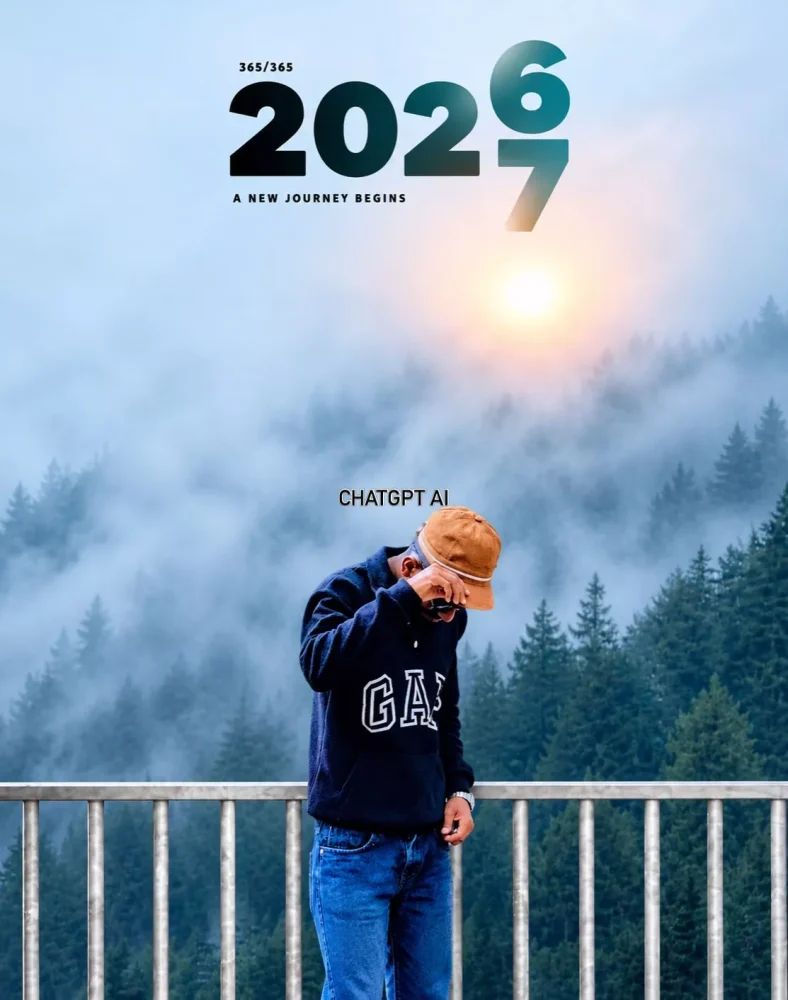
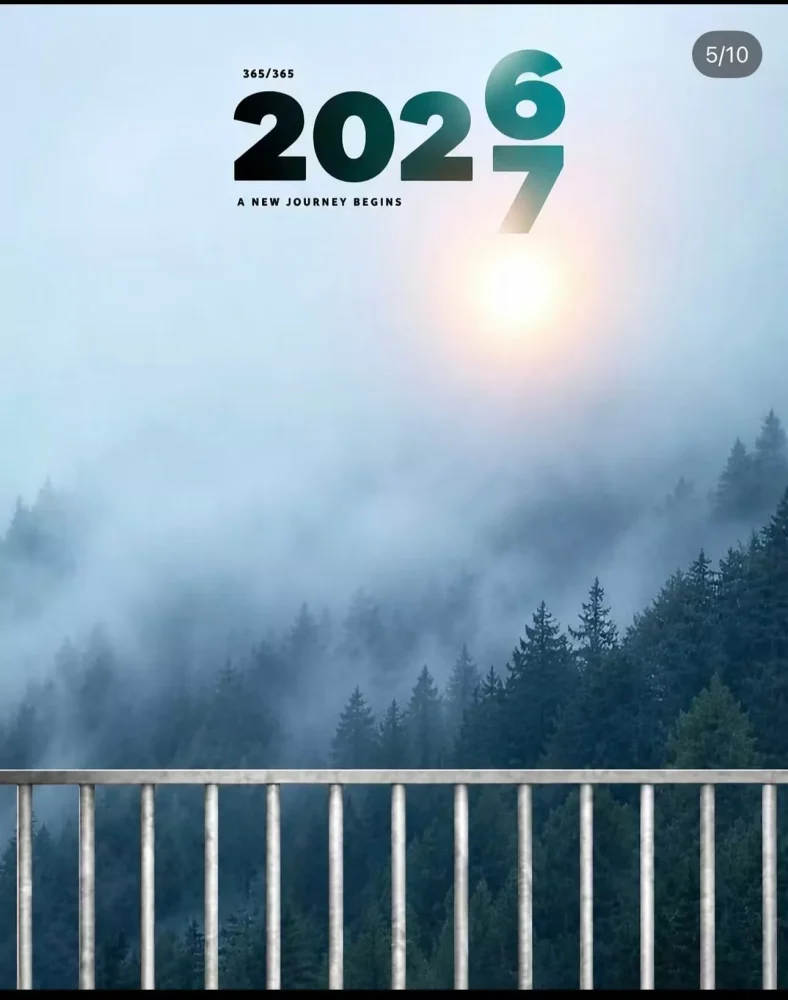
IMAGE 1 = MASTER TEMPLATE, IMAGE 2 = AUDIENCE PHOTO. Current Image1 is the only master reference. Match its subject position, scale, framing, camera angle, perspective, depth, lighting, HD color treatment and atmosphere. Fit Image 2 naturally into the SAME position and scale; never make it unnecessarily larger. Keep Image 1’s background environment unchanged. Apply Image 1’s color, lighting and HD visual treatment naturally to Image 2, while preserving Image 2’s real face, identity, hairstyle and original clothing design/pattern. Completely remove Image 2’s old background with clean hair/clothing edges and no halo or leftover fragments. Follow Image 1’s framing: if both images are half-body, keep the final half-body; if full-body framing is required, complete missing parts naturally without forcing full-body unnecessarily. Preserve natural pose and anatomy.Match ground contact, shadows, perspective and depth so the person looks genuinely photographed there. Preserve all text visible in Image 1 exactly as shown; do not remove, erase, alter or omit any existing text. If Image 1 contains no text, do not create or add any new text yourself. Use current Image 1 only-never carry colors/styles from previous images.DSLR-quality, realistic 8K, exact 9:16 ratio. Self-check position, scale, framing, identity, color, background and realism; fix errors before final output.
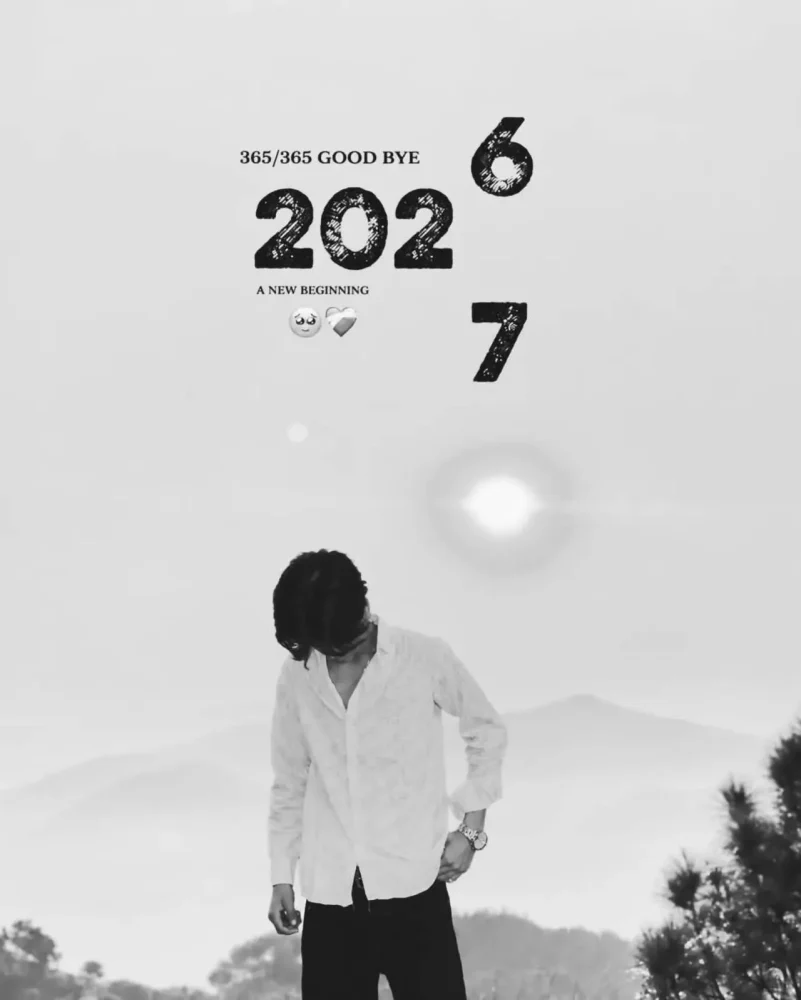
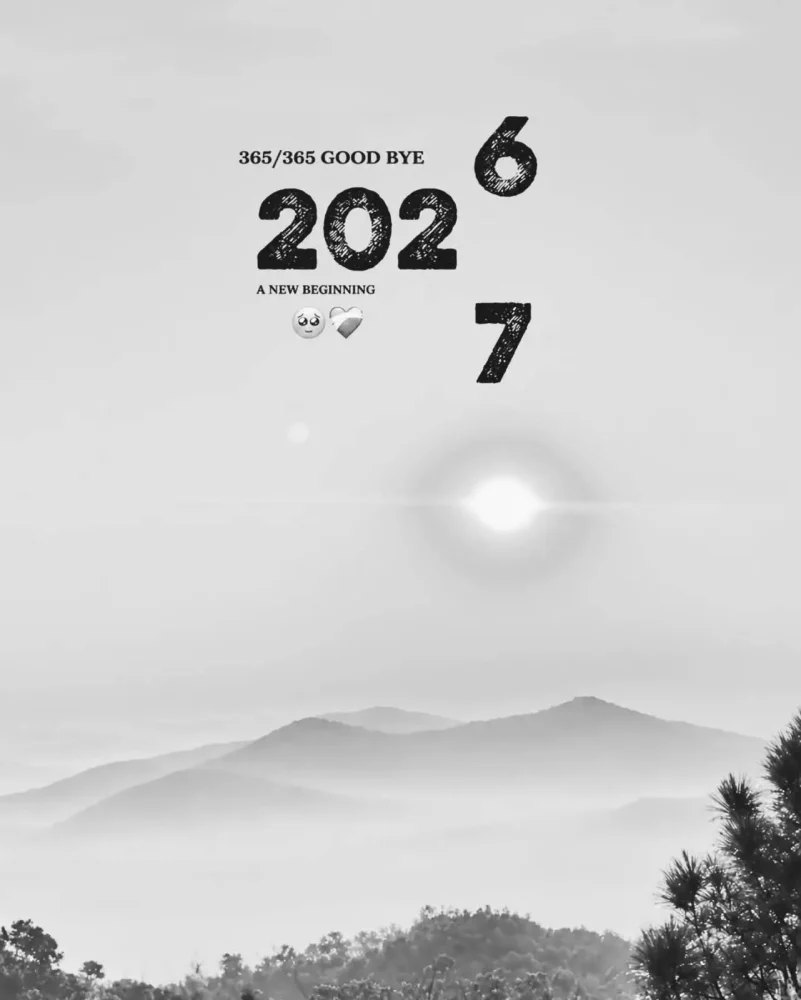
IMAGE 1 = MASTER TEMPLATE, IMAGE 2 = AUDIENCE PHOTO. Current Image 1 is the only master reference. Match its subject position, scale, framing, camera angle, perspective, depth, lighting, HD color treatment and atmosphere. Fit Image 2 naturally into the SAME position and scale; never make it unnecessarily larger. Keep Image 1's background/environment unchanged. Apply Image 1's color, lighting and HD visual treatment naturally to Image 2, while preserving Image 2's real face, identity, hairstyle and original clothing design/pattern. Completely remove Image 2's old background with clean hair/clothing edges and no halo or leftover fragments. Follow Image 1's framing: if both images are half-body, keep the final half-body; if full-body framing is required, complete missing parts naturally without forcing full-body unnecessarily. Preserve natural pose and anatomy. Match ground contact, shadows, perspective and depth so the person looks genuinely photographed there. Preserve all text visible in Image 1 exactly as shown; do not remove, erase, alter or omit any existing text. If Image 1 contains no text, do not create or add any new text yourself. Use current Image 1 only-never carry colors/styles from previous images. DSLR-quality, realistic 8K, exact 4:5. Self-check position, scale, framing, identity, color, background and realism; fix errors before final output.
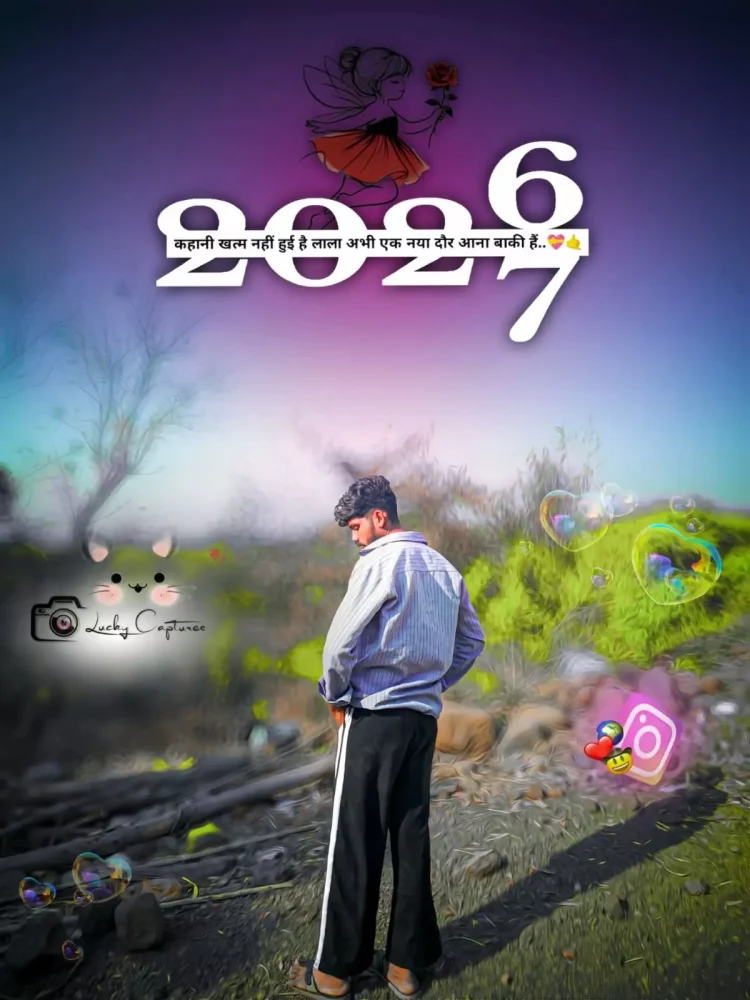
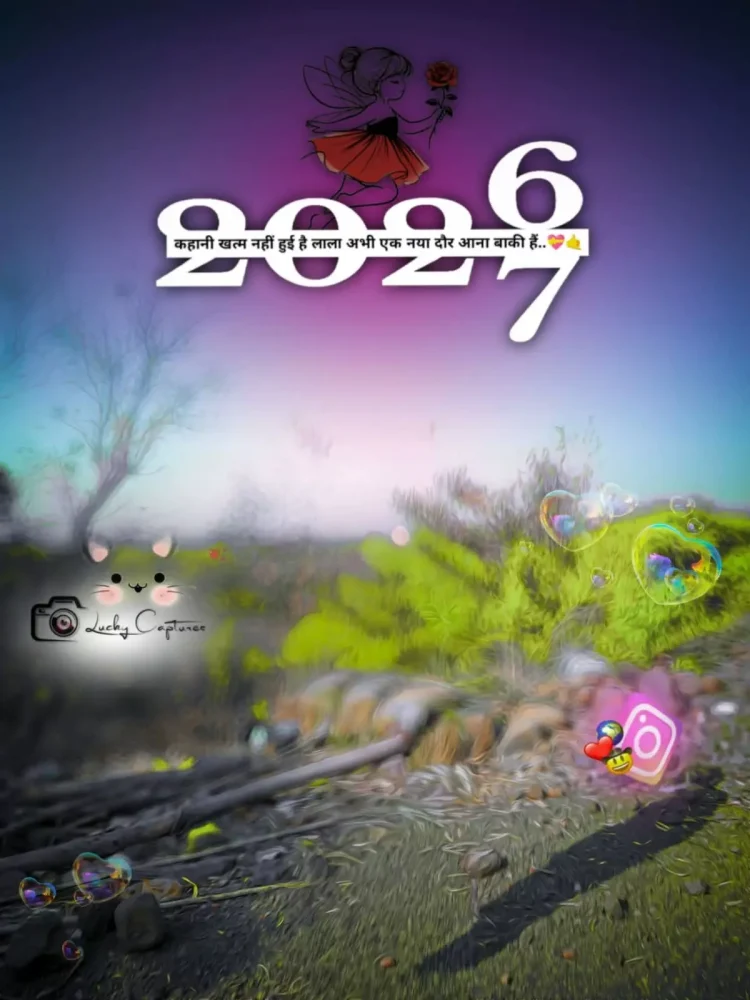
IMAGE 1 = MASTER TEMPLATE, IMAGE 2 = AUDIENCE PHOTO. Current Image1 is the only master reference. Match its subject position, scale, framing, camera angle, perspective, depth, lighting, HD color treatment and atmosphere. Fit Image 2 naturally into the SAME position and scale; never make it unnecessarily larger. Keep Image 1’s background environment unchanged. Apply Image 1’s color, lighting and HD visual treatment naturally to Image 2, while preserving Image 2’s real face, identity, hairstyle and original clothing design/pattern. Completely remove Image 2’s old background with clean hair/clothing edges and no halo or leftover fragments. Follow Image 1’s framing: if both images are half-body, keep the final half-body; if full-body framing is required, complete missing parts naturally without forcing full-body unnecessarily. Preserve natural pose and anatomy.Match ground contact, shadows, perspective and depth so the person looks genuinely photographed there. Preserve all text visible in Image 1 exactly as shown; do not remove, erase, alter or omit any existing text. If Image 1 contains no text, do not create or add any new text yourself. Use current Image 1 only-never carry colors/styles from previous images.DSLR-quality, realistic 8K, exact 9:16 ratio. Self-check position, scale, framing, identity, color, background and realism; fix errors before final output.
How can you improve your photos?
If you want to enhance a particular image, it is essential to start by selecting a high-quality source photo. When choosing a reference image, ensure that your face is clearly visible and sharp—avoid photos taken in low light; everything should be easily discernible. It is crucial to prioritize ‘face preservation’ to keep your facial features exactly as they are, without any alterations. Additionally, ensure that the text (if applicable) is set correctly and that the image is enhanced to suit the background—this means achieving perfect color correction. You can choose a background that complements your color palette, but be careful to maintain a balanced look; avoid over-editing or excessively manipulating the photo.
Conclusion
You can easily create these Instagram trend edits. There’s no need to do anything extra. All you need to do is find the right prompt and follow the process correctly, which will yield excellent results. No need to do anything else. The editing is absolutely perfect.