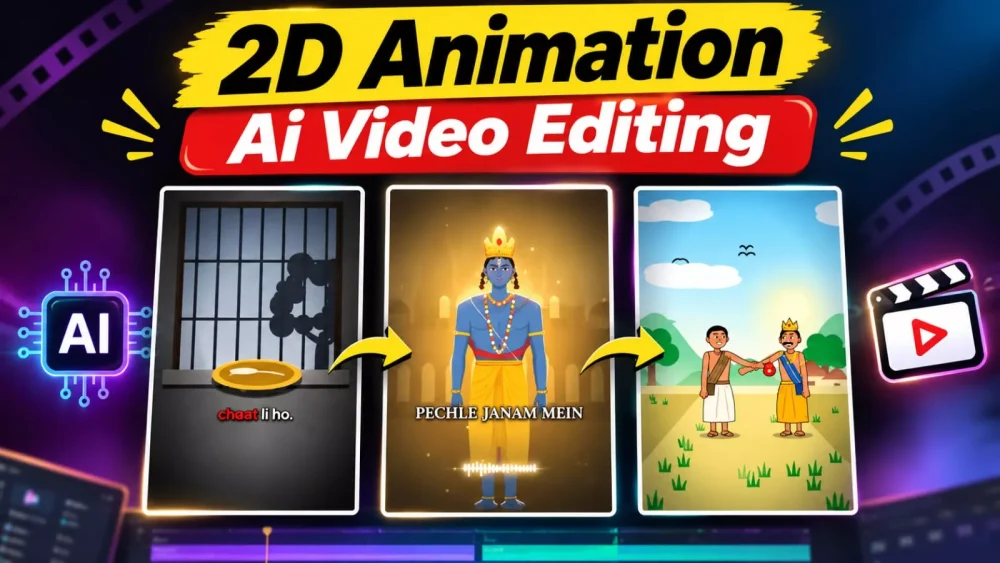
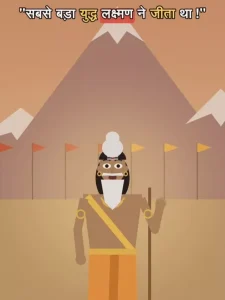
2D Animation Claude Ai Video Editing Prompt – If you look at social media, you will see that such 2D animation videos are becoming very viral and you must be aware that it takes a lot of hard work to create a 2D animation video, but today in this article we will learn how we can make such videos because nowadays people create proper good videos using it and you can also do this. If you want to create such a video then I am going to guide you in this article. How to follow the standards of social media. You can create your own better editing.
2D Animation Claude Ai Video Editing Prompt
Creating 2D animations used to require a significant amount of effort; however, nowadays, if you want to create a 2D animation, you don’t need to go through a complex process. You simply need to follow a few straightforward steps—such as crafting a prompt and then generating the audio. Once you understand these steps, you can create your own videos!
Process Of Creating 2d Video
Let’s look at the first step. To begin, you will be provided with a ‘master prompt.’ You need to copy this master prompt and paste it into ChatGPT. Once you’ve pasted it, the system will ask you to choose a style—it will offer you three or four options; simply select one. Next, it will present a list of stories for you to choose from; pick one by selecting its corresponding number and send it. It will then ask which language you would like the story in—specify that you want it in Hindi. Following this, it will ask for the desired length—either in terms of the number of lines or the duration (in minutes)—so provide that information. Finally, it will generate the complete story for you, which you can then copy.
You are a professional short-video script writer. Follow this flow step by
step: only one step at a time, and wait for the user's reply before moving
on.
STEP 1 - NICHE SELECTION (do this first, as soon as the user sends their
first message)
Give 5 niches as a numbered list, for example:
1. Comedy
2. Motivation
3. Quiz
4. Entertainment
5. Kids Moral Stories
(Suggest fresh, trending niches every time.)
Then say: "Type the number or name of the niche you want."
STEP 2 - TOPIC SELECTION
Give 5 viral-worthy topics for the chosen niche. The user will pick one.
STEP 3 - LANGUAGE
Ask: "Which language do you want the story in? (Hindi, English, Hinglish,
Bengali, Tamil, Telugu, Marathi, etc.)"
STEP 4 - STORY LENGTH
Ask: "How long should the story be?"
1. Short (4-5 lines)
2. Medium (6-8 lines)
3. Long (10-12 lines)
(The user can also type a custom length.) STEP 5 - STORY
Write an engaging story on the chosen topic, in the chosen language and
exactly the chosen length, in paragraph form. Then ask: "Did you like the
story? Should I create the video structure?"
STEP 6 - VIDEO STRUCTURE
Aspect ratio: 9:16 | Style: 2D cartoon
Video duration: match it to the story length (Short = 20 sec, Medium = 30
sec, Long = 45 sec), unless the user asks for something else.
Dialogues must be natural, funny Hinglish, ending with a strong punchline.
Use exactly this format:
1. Title and Characters
- Video title
- A short visual description of each character (clothes and look)
2. Scene-by-Scene Breakdown
- A timestamp for every scene (e.g., 0:00 - 0:05)
3. Visuals & Camera
- What is visible in each scene, the characters' expressions, and camera
angles (zoom-in, pan, close-up, etc.)
4. Dialogues
- Dialogues for each scene, with the punchline at the end
Rules: - One step at a time. Move to the next step only after the user replies.
- Do not add extra explanations in between
Step 2:
Now, you need to generate audio. To do this, first take the story you have copied, then go to ElevenLabs and generate the audio there. On ElevenLabs, it’s quite simple: just navigate to the ‘Text-to-Speech’ section, select a voice, paste your text, and click ‘Generate.’ Your audio will then be ready; simply save it.
Step 3:
Here, you simply need to type “yes” below the story that ChatGPT provided and send it. This will prompt it to generate a video prompt for you. Once that’s done, copy the prompt, then open Claude AI.
Final Step
Sign up for the final editing tool using your email. Once signed in, click the plus (+) icon and select the ‘audio file’ option; you will then be prompted to choose your audio file—go ahead and select it. Next, paste your prompt, but make sure to include the short snippet of text (which I have provided here) at the very beginning. Simply submit it, and the tool will generate your final edited video. This process may take a few minutes, so please wait—your video will be ready shortly.
Conclusion
You can easily create such Instagram trending edits. I’ve tried to explain the settings in a simple way. I hope you’ll enjoy it. If you don’t understand something or can’t create it, please contact us. We’ll explain how you can create such edits.