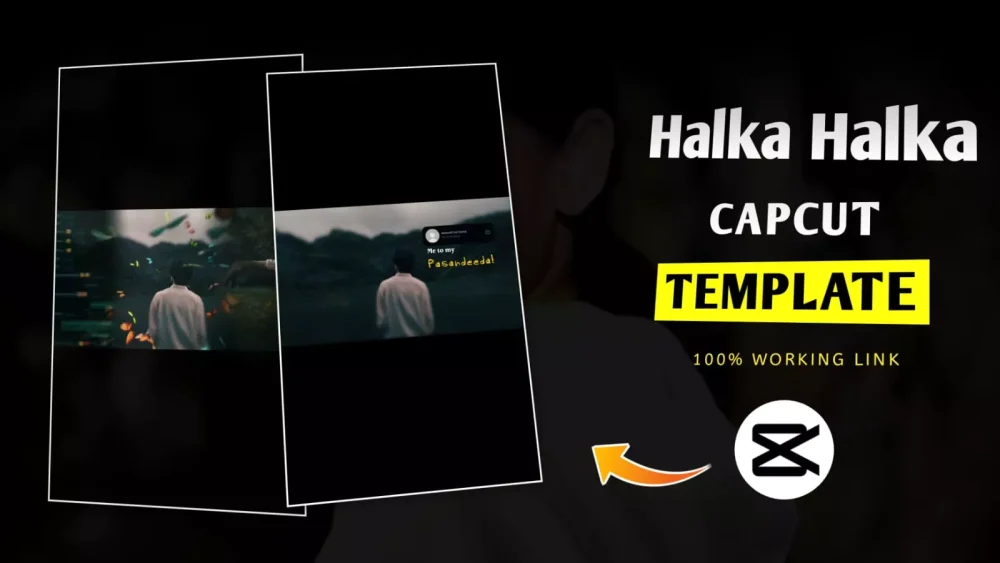
Halka Halka Capcut Template – Friends, now in this article we will learn how we can create a flashback editing. Whatever is very much in trend, in this the memory transition editing from our present to the past is shown. This effect is very useful in your reel in emotional videos or in story edits. People are easily applying it with the help of Capcut template. You should know that you can also easily create such editing with the help of a template. This template already has a free design element in it. You just want to add your clip, photo or video in it. Add it and your video gets created automatically.
Details Of Halka Halka Capcut Template
Let me explain what goes into editing this flashback. Our editing begins with a clip. In other words, we have a clip at the beginning, with nothing happening in it. Then, there’s a part in the song where the flashback effect is necessary. That’s where our flashback effect begins. You’ll also see a butterfly effect. The effect will run on one side. On the other side, you’ll see WhatsApp editing, like the overlays added there. For example, the left side shows your WhatsApp chat, and the right side shows your memory flashback effects. These are all old memories. You don’t have to add these yourself, you don’t have to create them by recording. Consider the type of clip you’ll be adding, such as photos or videos. Keep the aspect ratio at 16:9.
Important Tips For This Template
I’ll share a pro tip for this editing. If you’re ever doing this kind of editing, and you want to use photos later, don’t use video at all, because photos have already been used in all of them, and the size of the photos is always the same. Keeping your photo in landscape will ensure that your photo fits perfectly into this template. If you keep an odd size, the result won’t be good, and you yourself won’t like it.
How To Create Halka Halka Capcut Template
Step by step, I’ll explain how you can create such a beautiful photo. I’ll explain it to you. You’ll see everything, and once you understand it, it might seem like it was so easy, and I was taking so long, but that’s okay. Visit our website; we always provide valuable content to help you improve your editing. For this, you’ll need the Capcut application. First, open the Capcut application. Then, go to the Templates option and search for this template, “Flashback Effect.” You’ll find it there. You can use it from there. The best option is to provide a template. Below, you’ll find a “Check Template” button. Clicking on it will take you directly to where you saw your template. Click on it and add the clip, whichever clip you need, such as a photo or video. You can add it there, click Next, and then check your final preview. Is your editing perfect? If it is, just export it.
How To Find Templates In Capcut
If you ever create videos using templates, you should have the option to see which templates are trending. Here, I’ll tell you where to find them. First, you need to open Capcut. Go there and you’ll find it below. Click on use. You need to search for the memory flashback template. Second, the cinematic flashback template. Third, the sad emotional template. Fourth, the paste transition template. Fourth, the story flashback template. You’ll find many such templates. If you only want flashback ones, you can search by typing flashback; you’ll find many there.।।