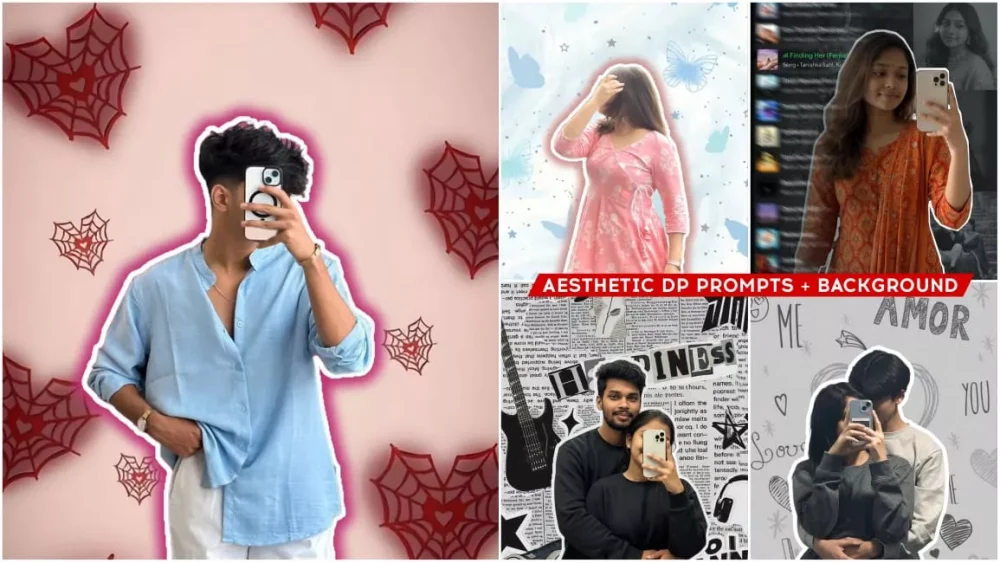
New Google Gemini Aesthetic Dp Ai Photo Editing Prompts – This method I’m about to share with you is quite different. It will explain to you through two mediums how you can create such photos. Whether you want to create one for couples, for girls, or for boys, there’s going to be this option for everyone, and this will be the best option for you. If you follow this method and create, then come, I’ll explain it step by step, how to do each type of editing, and how easy it will be. If you don’t understand how to do this type of editing, feel free to ask. In fact, the methods I’ve shared through both mediums are quite simple and can be created in one click.
1000+ New Google Gemini Prompts
New Google Gemini Aesthetic Dp Ai Photo Editing Prompts
First of all, understand that as I have explained editing to you here, I will tell you two ways of editing here. One is through I and the other will be with us. There is a manual method in which we can create it by clicking and adding according to the type of photo we have. Whereas with A we can create the same thing which is shown here, that is, there will be only the face side there, you mean the face will be added there, it will look realistic and will not look fake at all. After that, there is another option that you will be given the manual method here, in that you can set your photo by adding cute but now there is another option also here. As this will be very easy for editing, I will explain it to you here. You have to understand it properly once.
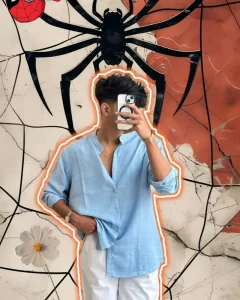
"Create using uploaded image, A young man taking a mirror selfie, holding a smartphone to obscure his face. He is wearing a light blue collared shirt with the top buttons open and white pants, with one hand casually tucked into his waistband. He has a stylish haircut, a subtle necklace, and a watch on his wrist. The man is outlined with a bright orange glow. The background has a cracked, grunge-like texture with a base color of off-white and hints of reddish-orange. Dominating the upper center is a large, stylized black spider graphic. Additionally, a small white flower with a yellow center is visible in the lower left, and a small Spider-Man mask icon is in the upper left corner. The overall aesthetic is edgy, cool, and a bit quirky, blending fashion with graphic elements and a hint of pop culture."
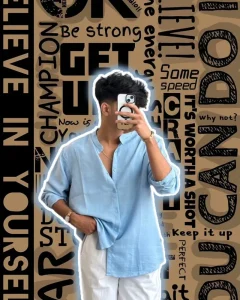
Create using uploaded image, A young man taking a mirror selfie, holding a smartphone to obscure his face. He is wearing a light blue collared shirt with the top buttons open and white pants, with one hand casually tucked into his waistband. He has a stylish haircut, a subtle necklace, and a watch on his wrist. The man is outlined with a bright white glow. The background is a vertical collage of motivational words and phrases in various black and white fonts, creating a bold, graphic, and energetic pattern. Phrases like 'BELIEVE IN YOURSELF', 'Be strong', 'GET UP', 'CHAMPION', 'LIVE!', 'IT'S WORTH A SHOT', 'Keep it up', 'PERFECT', 'CAN DO' are prominently featured. The overall aesthetic is dynamic, inspiring, and cool, with a strong focus on self-motivation and a trendy vibe."
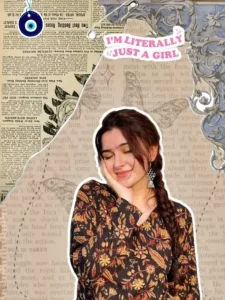
"A young woman with dark hair in a braid, wearing a floral patterned top, resting her chin on her hand with a serene expression. She is placed on a collage background featuring vintage newspaper clippings, floral motifs, and a light blue damask pattern. There are also elements like a safety pin, a blue evil eye charm, and a sticker that says 'I'M LITERALLY JUST A GIRL' in a pink speech bubble."
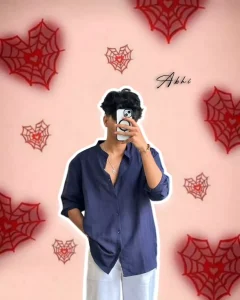
Create using uploaded image A stylish young man taking a mirror selfie, wearing a navy blue loose shirt and white pants, minimal jewelry, curly hair, holding a phone in front of his face. Soft pink background decorated with small red spiderweb hearts, aesthetic modern vibe, soft shadow outline around the person, name “Abhi” written in elegant cursive font on the side, clean and realistic portrait, well-lit and trendy Instagram-style edit.

Create using uploaded image, A couple taking a mirror selfie. The woman is in the foreground, holding a smartphone to take the picture, with her face completely obscured by the phone. She is wearing a grey long-sleeved t-shirt. The man is standing behind her, hugging her from behind, with his face partially obscured, and wearing a light grey long-sleeved t-shirt. Their hands are interlocked around the woman's waist, and a ring is visible on her finger. Both figures have a distinct white outline. The background is a textured light grey, adorned with numerous hand-drawn, doodle-style elements, including hearts (solid and outlined), stars, small asterisks, and various romantic words and phrases like 'LOVE', 'AMOR', 'YOU', 'ME', '&', and 'Love'. The overall aesthetic is cute, romantic, and playful, with a slightly desaturated color palette that gives it a charming, almost monochrome feel."
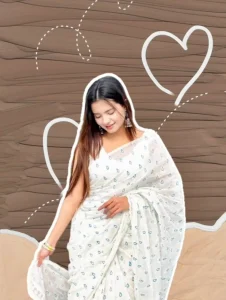
A cheerful woman with long, dark hair is depicted in a collage-style image. She is wearing a white saree with a delicate blue teardrop pattern. Her head is tilted down slightly, and she's looking to her left with a gentle smile. She has silver earrings and several bangles on her wrist. The background is composed of two textured, hand-drawn sections: a darker brown on top with dashed white lines and two outlined hearts, and a lighter, sandy brown at the bottom with a wavy edge. The woman is cut out and outlined in white, giving her a sticker-like appearance.
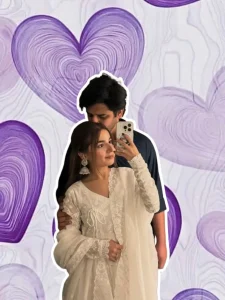
"Create using uploaded image, A couple taking a mirror selfie. The woman is positioned in the foreground, looking off to the side with a gentle smile, holding a smartphone to take the picture. She is wearing a white traditional outfit with intricate lace detailing on the sleeves and a matching dupatta. The man is standing behind her, gently holding her shoulder and kissing her forehead. He is wearing a dark t-shirt. Both figures have a subtle white outline. The background is a light purple, adorned with large, stylized, and slightly translucent purple hearts that have a textured, wavy line pattern within them. The overall aesthetic is romantic, soft, and sweet."
Backgrounds :-
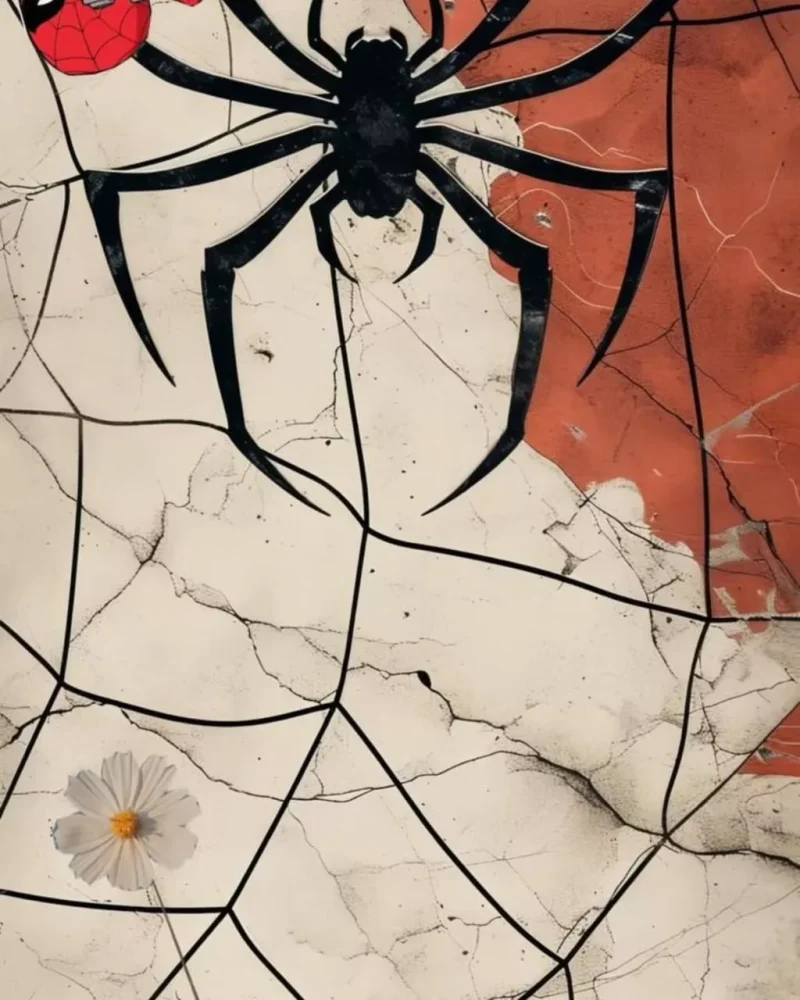

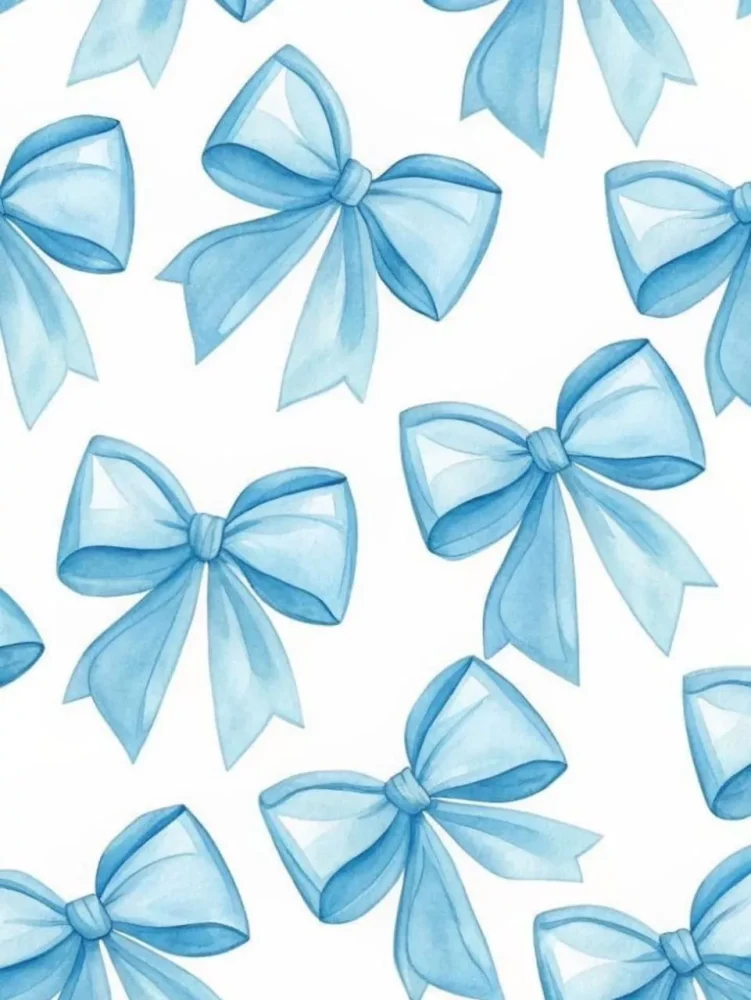
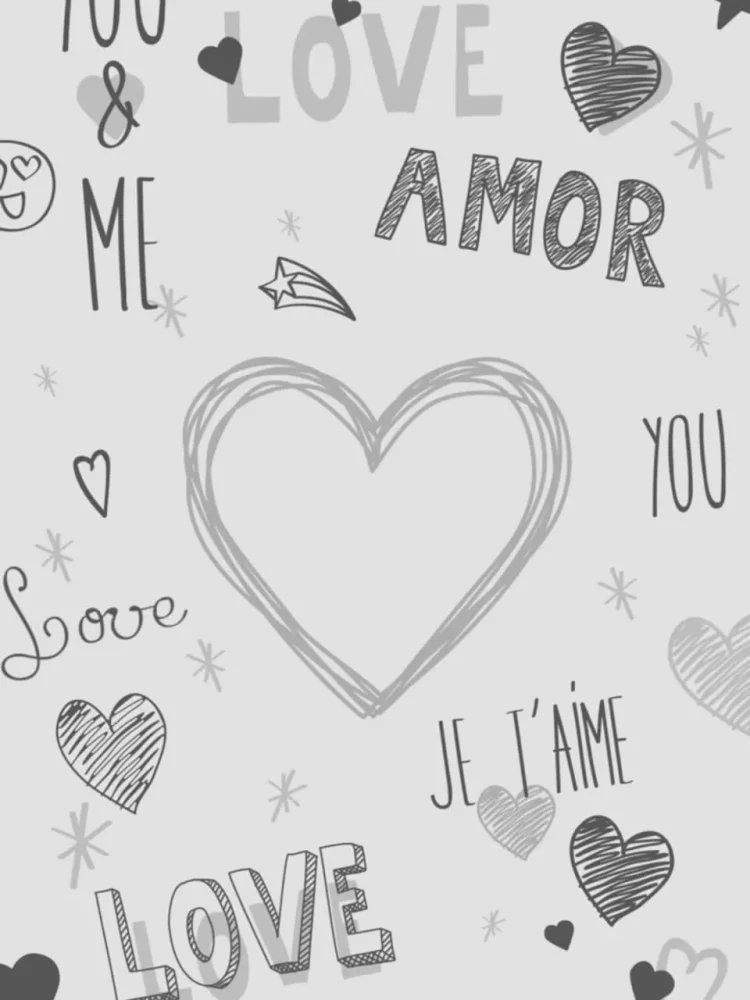
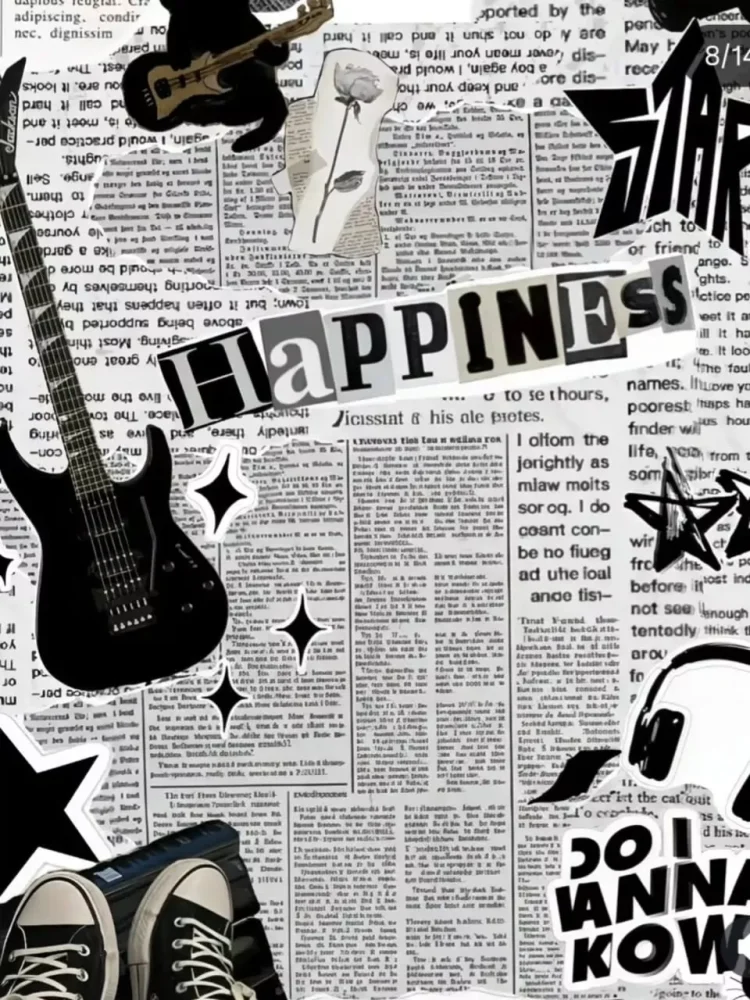
How To Edit With Inshot?
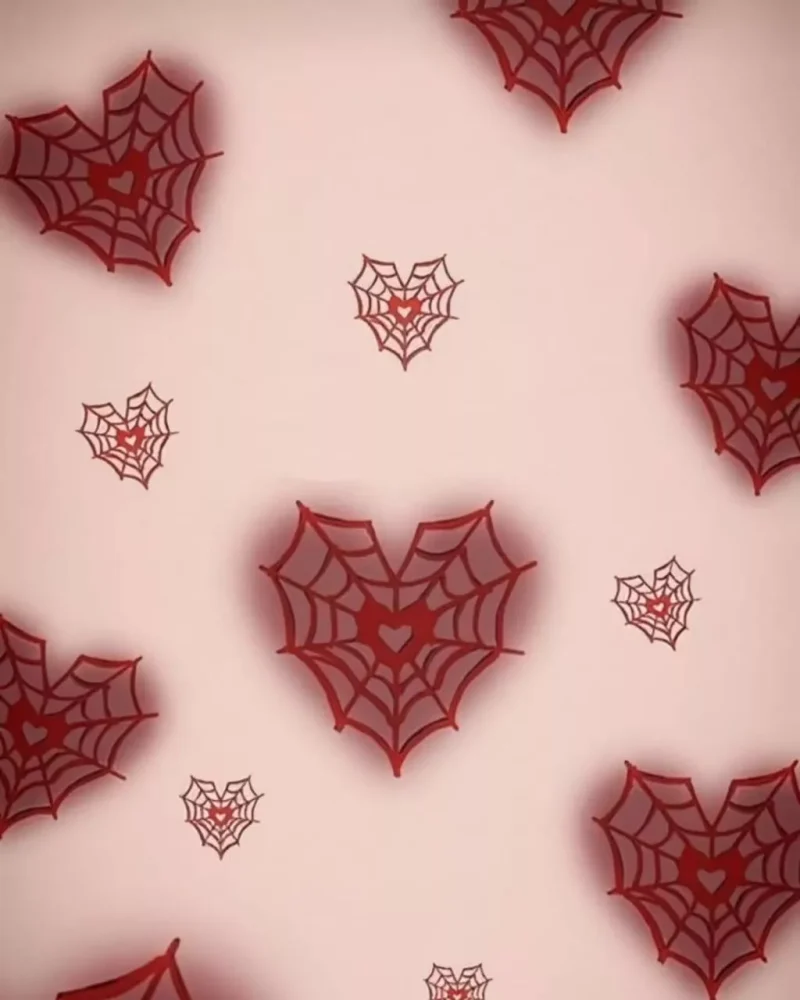
Look, our first option here is a manual one, and you’ll have to understand it. I’ll explain it to you. First, you’ll need to prepare your photo. If you need a background, I’ve provided one here. You’ll need to use that. All you have to do is save the background you think is right for you. After that, you’ll need to use the InShot application. First, open it and go to the “Photos” option. Upload your selfie there and use the “Mirror Selfie” option. Then, go to the “Cut Out” option, which will remove your background. Here, you’ll find the “Stroke” option. Select it and set it to 20%. Then, adjust it. Then, go to the “Background” option. Click “Add Background” and add this background from your gallery. Once done, your photo will be ready.
How To Edit With Google Gemini?
Now let’s understand the AI method. Look, here some images and some prompts have been shared with you. Now you have to create using both, so I will tell you about both methods. For example, I have explained the background method. Now let’s talk to you about the AI method and explain it. First of all, there is this prompt option. It is going to be an AI option, so click on it and copy it. After copying, you have to go to the Google website. To go there, you have been given a link here. You have to click on it and after going there, first of all you have to paste the prompt. Then go to the plus option and upload the photo. Then you have to click on the generate option and it will close your lotus photo and make it ready.
Conclusion
Now, you can do this editing technique I just explained. The method I just described is completely different. You must have understood this. This is a unique method; no one else explains it to you, saying, “If you do it this way, you’ll get the editing done this way.” If you’ve understood even a little bit, please let us know in the comments. We’ll keep bringing you such amazing editing techniques, so you and Kamal can keep creating your own photos.