
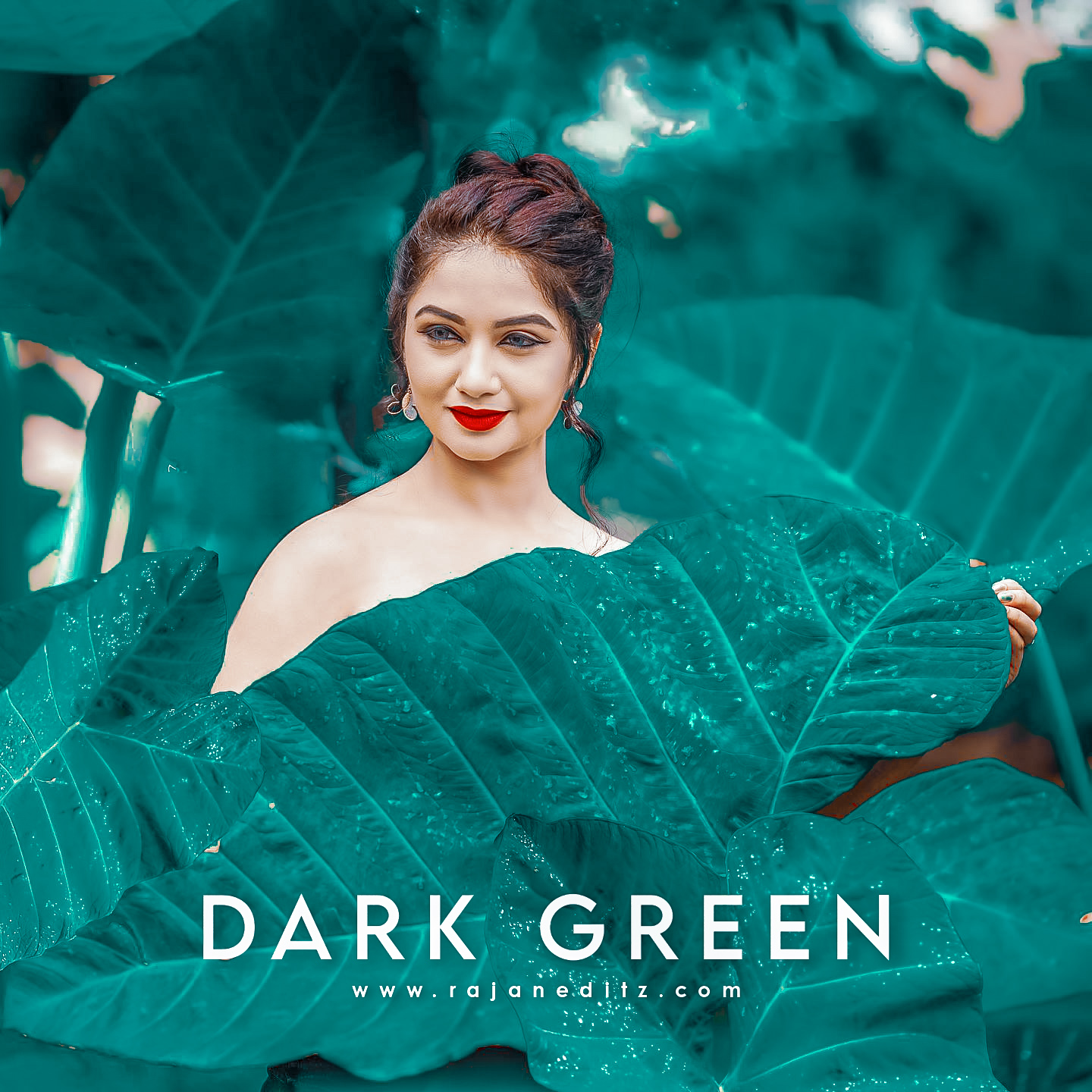
Hello friends how are you? All of you friends, you must have got bored by doing video editing. Means I have provided so many templates that you people have done video editing continuously, so in today’s article I have brought Dark Green Lightroom Preset Free for you. And with the help of this preset you can do your photo editing. See, along with video editing, photo editing is also necessary. If you do not upload photos to your Instagram posts, users will not be able to connect with you. That’s why you need to keep posting photos along with your videos and for posting photos, you will need Lightroom preset so that the color etc. in your photo can be correct.
Dark Green Lightroom Preset Free
Watch if you don’t post photos. The user is not able to connect with you on his Instagram and look, I will tell you one more thing. Friend, if you post your photo, upload a similar selfie etc., then you may lose more followers. That’s why take a photo that is correct and which is correct in making the photo visible to you a little. After that use Lightroom preset in it so that your photo will look a bit more attractive. After that post it there so if you don’t know how to use Lightroom then go to our website where you will be told everything. Along with that you will also be told to download, then all those things will be told to you on our website. And nowhere will you be told.
Lightroom Preset Free
And see I was forgetting one thing. Tell you what color your preset is going to be. From the name you came to know that it is going to be dark green, but in this you will get orange tone as well. See if you have a little yellow color in the photo then it will bring orange tone on it and it was there. Dark green will also appear in your photo. As far as this photo of ours is concerned, it is only green. That’s why here you are seeing only dark green. But if there is yellow tone in your photo, then if there is a slight change then it will work differently on your photo.

How To Download My Presets
Below you will find a button for download. You have to click on that button. Now You click on download. You have to take some time. After that you will go directly to Google Drive. Here you select your cation of Google Drive, after that you will get all your options there. Looking up, you get 3 dots. Clicking on it, after that you will get the download option there. Clicking on it and your file will come in your download folder and after that as mentioned. How do you add him? Follow him and add him.
How To Use Dark Green Lightroom Preset Free
It is simple, if you want to use it, then I have told almost in all my articles how you can use it easily. Look, first of all, you have to download it, how will you download it from our website, then we will cover this topic in the below paragraphs. But now know how to use it, so first of all, download the preset that you have downloaded. After that share it and add it to Lightroom. Now when you add it to the Lightroom application, it will take some time, after that it will be added to the application. Here’s what you have to do. Here you have opened your preset. Clicking on 3dot there where copy setting is to be done. After that go to your photo and paste setting there. You have to do these two things and your photo will be ready.


