
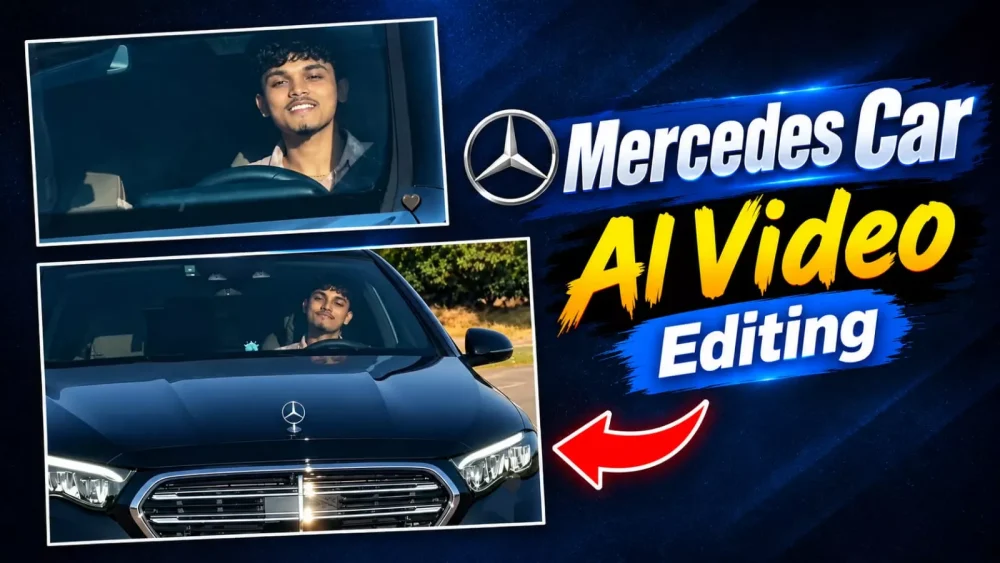
Mercedes Car AI Video Editing Prompt – Have you seen the video of your driving that went viral on Instagram? It is very popular and a lot of people want to create it. Many people have gone viral by creating it and I will tell you how you can create it. What a simple process it will be. If you follow it once, your editing will be absolutely excellent and people will like it too. I will guide you and explain it. How to do it, you just follow the entire process step by step in the article, which tool you will use, whatever tool you will use, it will be absolutely free for you, in which your editing will be done easily and you can create and follow it and create.
Details Of Mercedes Car AI Video Editing Prompt
This editing that’s going viral is happening in a way where you’ll see a cool song playing, and then your car comes in. Then you’re shown driving, and this driving style is what people are really liking. People are creating different types of editing, and you can do it too. It’s a simple process. I’ll explain it. Both are very simple steps. People are able to edit easily with both. You can do it too. What if you understand this method?
Methods Of Creating Video –
Let me explain two methods for this editing. I’ll explain the process to you both. I’ll explain the first method first, and then the second method.
Character Replacement Prompt –
Replace the driver in the reference video with the person from my uploaded reference image. The uploaded person should naturally occupy exactly the same position and posture as the original driver. Keep everything else exactly unchanged: the same car, interior, steering wheel, road, location, background, lighting, camera angle, camera movement, driving motion, timing, reflections, shadows, and overall visual style
Direct Video Prompt –
"A continuous, single-take photorealistic cinematic video with NO frame cuts. A young man is actively driving a moving black Mercedes-Benz, viewed from a fixed front-facing camera angle mounted on the hood, looking directly at him through the windshield. He is wearing a light pink plaid shirt, steering with one hand. He looks directly at the camera with a relaxed, happy smile and raises his hand forward to wave directly at the front lens. Bright sunny daytime lighting with realistic reflections on the glass and the outside background environment passing by to indicate driving speed. Smooth continuous motion, 4k resolution, 60fps, 16:9 aspect ratio, ultra-realistic driving."
How Top Generate Video In Gemini?
The first method requires you to create a different video from which you want to create this exact same video. This involves creating characters. What you’ll do next is take that video and then take a photo of yourself. This prompt will swap your character completely. This means you’ll need to open Google Gemini, select the video, upload your reference video, and then upload a photo of yourself. After pasting this prompt, it will create your video perfectly with your face, and people will love it. I hope you understand the ID. There’s another method, learn about that later.
How To Generate With Flow Ai?
The second method involves using Google Flow or Google Gemini. The process is essentially the same: first, copy the prompt provided here. Then, start a new project, click the ‘plus’ icon, and upload a reference photo—this will serve as the basis for generating the new image. After uploading the photo and pasting the prompt, simply hit ‘generate.’ It will create a highly professional-looking image; the editing style is widely appreciated, and you will likely love it too.
Conclusion
This is how you can create this trading edit. I’ve explained every detail of it to you. You’ll love it. I’ve done my best to help you understand and edit it thoroughly. I’ve provided step-by-step guidance. Simply follow along and create it, and let us know.


