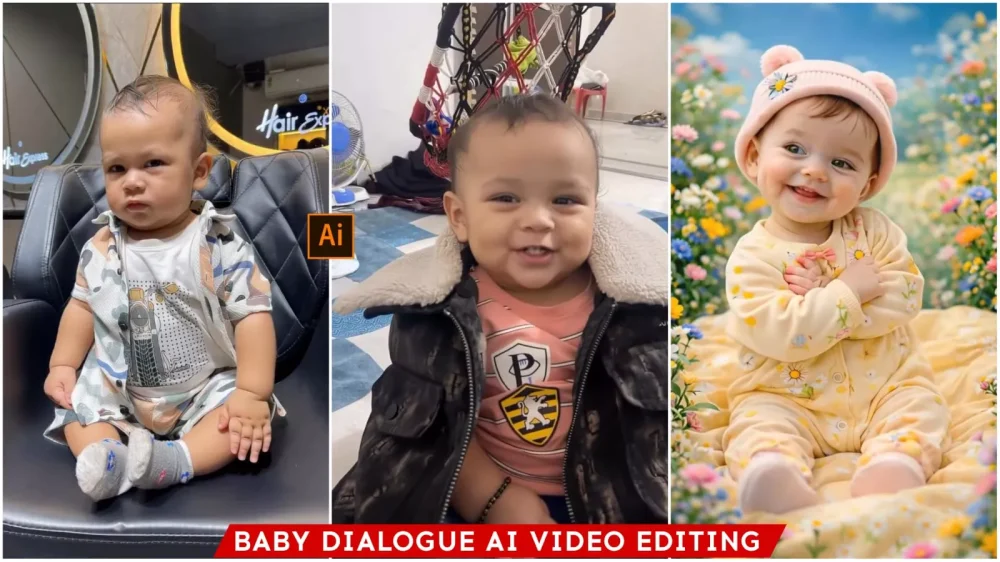
Viral Baby Dialogue Ai Video Editing 2026 – As you may have noticed, videos of children speaking dialogues are going viral these days, and let me tell you, creating these kinds of videos doesn’t require much effort. In today’s world, it’s all about AI, and these types of videos cannot be created without using AI, because a young child can’t speak like that. The voice is taken from another video as a reference. The motion and reference from that video are detected and then added to our own photo. If you want to know how this is done, I’ve prepared this special article just for you. In it, I’ll explain everything step by step: how to prepare the photo, how to use the reference video, and how to create the final video. We’ll cover all these topics, so read this article carefully.
Details Of Viral Baby Dialogue Ai Video Editing 2026
This video shows what it looks like and what kind of video it is that makes people like it so much. First, let’s see what’s so special about it. It’s something completely unexpected, like taking a picture of a small child and making them say something they can’t actually say yet. That’s something entirely different, isn’t it? And then, showing it with such expressions – the speaking part is one thing, but then it perfectly mimics the expressions from the original video. That’s what makes it so amazing. You’ll see that these kinds of videos are getting 40 million, 50 million views. This means that if you also create such viral videos, nothing can stop you from going viral. I’ll also tell you how you can create these kinds of videos.
What Do You Need To Have Ready?
Let me tell you. You’ll need two things ready. First, let’s talk about the photo. You need a photo of a girl. You can use a photo of a child from your family, or if you don’t have one, you can generate one using AI. That’s what AI is for! You just need to tell it that this is your child and that they are wearing these kinds of clothes. Give it all the details. Gemini or any other AI will then generate a photo of the child in a few seconds. Now, you need to save that photo. You’ll also need a reference video. This is the video of the person whose movements you want to copy. Please, absolutely do not misuse this. I’m telling you this beforehand. If you want to use someone’s video, get their permission first. Then, use that video as a reference. Now, let’s understand the process of generating this.
How Do We Create A Video Using This?
Well, there’s a simple process for creating videos. Let me explain it to you. You’ll find a button below. This is a website called Higgs Field AI. You’ll see many different AI tools there. Click on the button to go to the website. There you’ll find several options. First, you need to log in. If you don’t have an account, create one. You’ll receive some credits, which you can use to create the video. Then, you’ll find a star-shaped option at the bottom. Click on it, and you’ll find the motion control option. If you don’t find it there, you can search for it. After that, you’ll go to the main section. There, you’ll first find an option to upload a reference video. The second option is for a reference photo. In the vid…
Conclusion
In this article, we learned how to create videos with dialogue of any kind. We also learned how to create dialogue videos with our own characters. We even have the option to record our own video and transform it into different characters. The process is quite simple; you just need to upload your video as a reference video. You can also generate any character from a photo, add it to the video, and use it in your creation. I hope this article was useful and helpful to you. I hope you learned some good editing techniques from it.