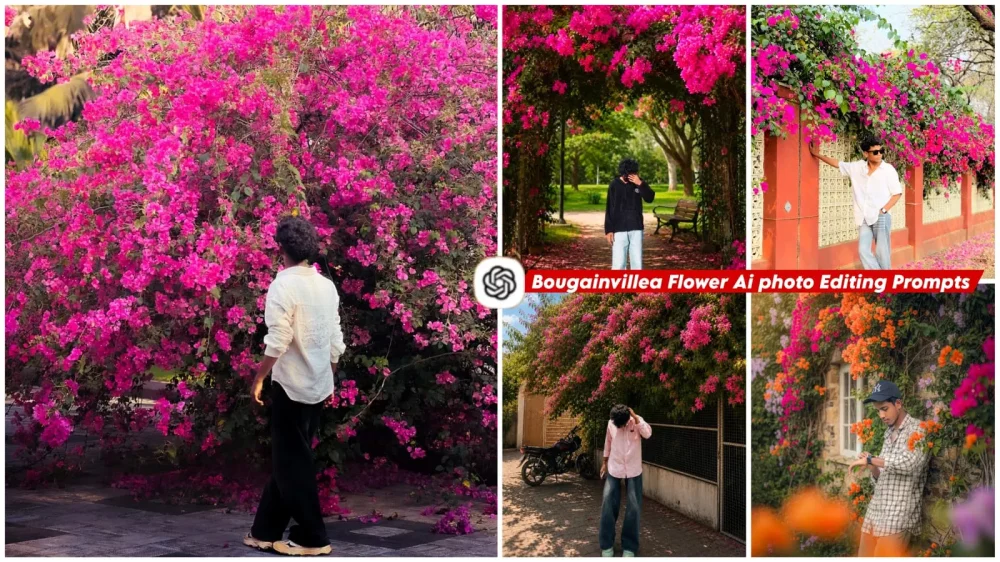
Bougainvillea Flower Ai photo Editing Prompts – AI-generated photos are currently going viral rapidly across Facebook and various other social media platforms. If you also want to create such photos, this article will reveal a trick that allows you to produce professional-quality images using ChatGPT. I will walk you through the entire process—including which prompts to use and how to apply them—so you can create these professional photos yourself.
Details Of Bougainvillea Flower Ai photo Editing Prompts
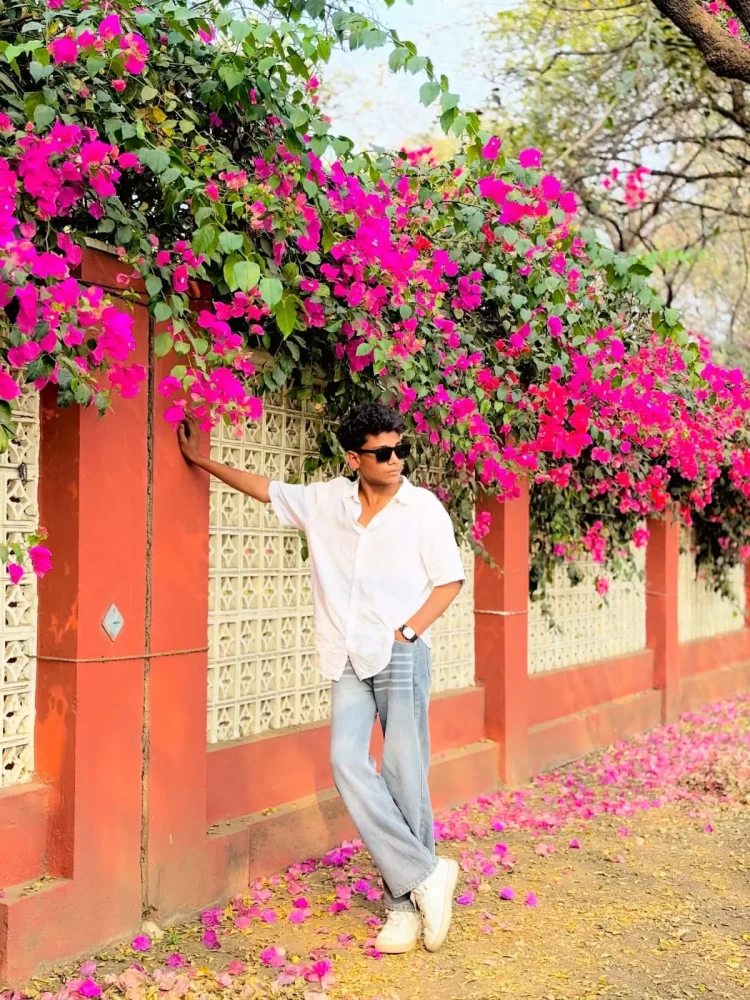
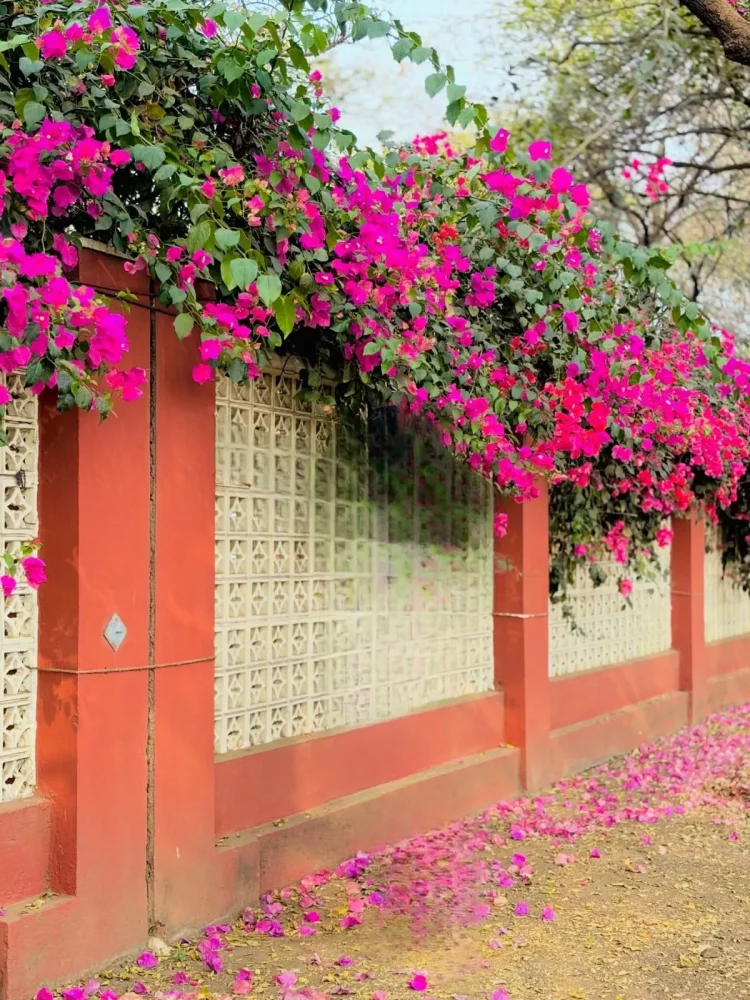
What kind of AI editing is this? It involves adding floral elements to your photo—specifically, a background featuring a pink garden filled with white and orange flowers, along with a distinctive flowering vine hanging down. This creates a very natural look, similar to the real-life settings where people rush to take photos. If you can’t visit such a place in person, you can easily add these types of flowers to your ordinary photos by following these steps.
Why Are Trends Like This Going So Viral?
You’ll notice that people are really drawn to this kind of AI-generated photo editing. It’s popular because the results look premium and professional—perfect for social media profiles—yet you can create them easily in just a few minutes without needing any actual editing skills. AI automatically adjusts the lighting in your photos to achieve a high-quality, professional look. These kinds of images are highly engaging on social media, which helps them go viral, and that is why so many people are using them.
How To Get Better Result?
For better results, if you want to create a high-quality image, ensure the lighting on your face is perfect and avoid using low-quality source photos. Keep your facial expression neutral; using the same reference photo consistently ensures the generated images remain uniform. When creating images, stick to a single reference photo for all generations to ensure the output is perfect. Additionally, include a prompt specifying “100% face identity preservation” to ensure your facial features remain unchanged and consistent.
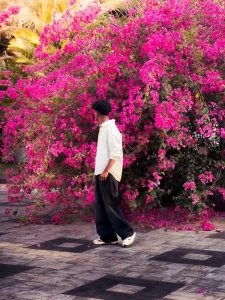
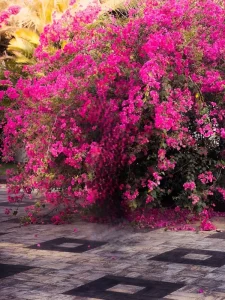
Replace ONLY the background with the uploaded Bougainvillea flower background image.

STRICT IDENTITY LOCK:
Keep the person 100% unchanged. Preserve the exact face, hairstyle, skin tone, facial features, expression, body proportions, pose, clothing, accessories, footwear, and camera angle. Do not regenerate or modify the person.

BACKGROUND REPLACEMENT ONLY:
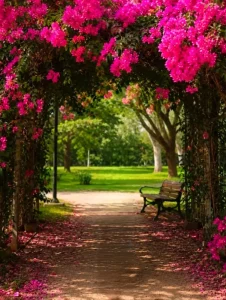
Seamlessly place the person beneath the lush pink Bougainvillea flower archway. Match the background perspective, camera height, subject scale, and distance naturally.

NATURAL BLENDING:
Match the lighting, shadows, exposure, white balance, color temperature, and depth of field with the Bougainvillea background. Add realistic contact shadows under the feet, soft ambient light reflected from the flowers, subtle pink color bounce on the clothing and skin, and natural edge refinement around the hair.

REALISM:
The person must look genuinely photographed at this location. No cut-out effect, no floating, no halo, no mismatched colors, no AI artifacts. Create a flawless DSLR-quality composite with ultra-realistic details while changing ONLY the background.
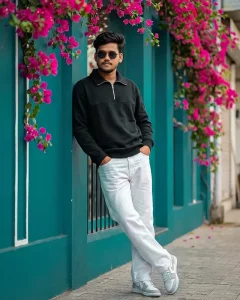
Use the uploaded photo as the ONLY identity reference. Full body leaning pose against a teal wall and window frame, both hands inside pockets, legs crossed casually, relaxed street fashion attitude. Surrounded by hanging pink bougainvillea flowers and clean aesthetic café background with smooth background blur. Realistic lighting, natural colors, high detail textures, cinematic framing, hyper realistic 4k resolution, natural photo. Outfit & accessories: black half-zip sweatshirt, white jeans, white & sneakers, black sunglasses.
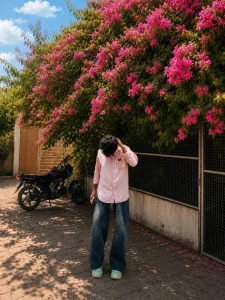
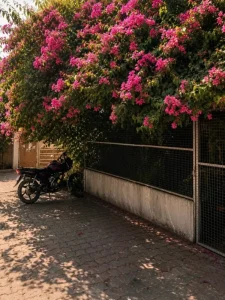
Replace ONLY the background with the uploaded Bougainvillea flower background image.

STRICT IDENTITY LOCK:
Keep the person 100% unchanged. Preserve the exact face, hairstyle, skin tone, facial features, expression, body proportions, pose, clothing, accessories, footwear, and camera angle. Do not regenerate or modify the person.

BACKGROUND REPLACEMENT ONLY:
Seamlessly place the person beneath the lush pink Bougainvillea flower archway. Match the background perspective, camera height, subject scale, and distance naturally.

NATURAL BLENDING:
Match the lighting, shadows, exposure, white balance, color temperature, and depth of field with the Bougainvillea background. Add realistic contact shadows under the feet, soft ambient light reflected from the flowers, subtle pink color bounce on the clothing and skin, and natural edge refinement around the hair.

REALISM:
The person must look genuinely photographed at this location. No cut-out effect, no floating, no halo, no mismatched colors, no AI artifacts. Create a flawless DSLR-quality composite with ultra-realistic details while changing ONLY the background.
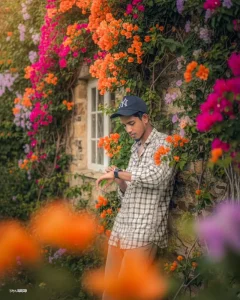
Create an ultra-HD, hyper-realistic 4:5 overhead close-up of a human subject using the exact face from the provided selfie 100% accurate, with no editing, no retouching, no smoothing. Preserve natural skin texture, sharp features, and maintain highest clarity with sharp focus. The subject is calmly leaning against an ivy-covered stone wall of an old countryside cottage during golden hour, checking the time on his watch with his head slightly tilted down, one hand brushing away a dangling vine. The flowering vines are in full bloom with orange, magenta, and lavender hues, softly blurred in the foreground. The outfit must remain exactly the same as in the uploaded reference image.
Replace ONLY the background with the uploaded Bougainvillea flower background image.

STRICT IDENTITY LOCK:
Keep the person 100% unchanged. Preserve the exact face, hairstyle, skin tone, facial features, expression, body proportions, pose, clothing, accessories, footwear, and camera angle. Do not regenerate or modify the person.

BACKGROUND REPLACEMENT ONLY:
Seamlessly place the person beneath the lush pink Bougainvillea flower archway. Match the background perspective, camera height, subject scale, and distance naturally.

NATURAL BLENDING:
Match the lighting, shadows, exposure, white balance, color temperature, and depth of field with the Bougainvillea background. Add realistic contact shadows under the feet, soft ambient light reflected from the flowers, subtle pink color bounce on the clothing and skin, and natural edge refinement around the hair.

REALISM:
The person must look genuinely photographed at this location. No cut-out effect, no floating, no halo, no mismatched colors, no AI artifacts. Create a flawless DSLR-quality composite with ultra-realistic details while changing ONLY the background.
Replace ONLY the background with the uploaded Bougainvillea flower background image.

STRICT IDENTITY LOCK:
Keep the person 100% unchanged. Preserve the exact face, hairstyle, skin tone, facial features, expression, body proportions, pose, clothing, accessories, footwear, and camera angle. Do not regenerate or modify the person.

BACKGROUND REPLACEMENT ONLY:
Seamlessly place the person beneath the lush pink Bougainvillea flower archway. Match the background perspective, camera height, subject scale, and distance naturally.

NATURAL BLENDING:
Match the lighting, shadows, exposure, white balance, color temperature, and depth of field with the Bougainvillea background. Add realistic contact shadows under the feet, soft ambient light reflected from the flowers, subtle pink color bounce on the clothing and skin, and natural edge refinement around the hair.

REALISM:
The person must look genuinely photographed at this location. No cut-out effect, no floating, no halo, no mismatched colors, no AI artifacts. Create a flawless DSLR-quality composite with ultra-realistic details while changing ONLY the background.
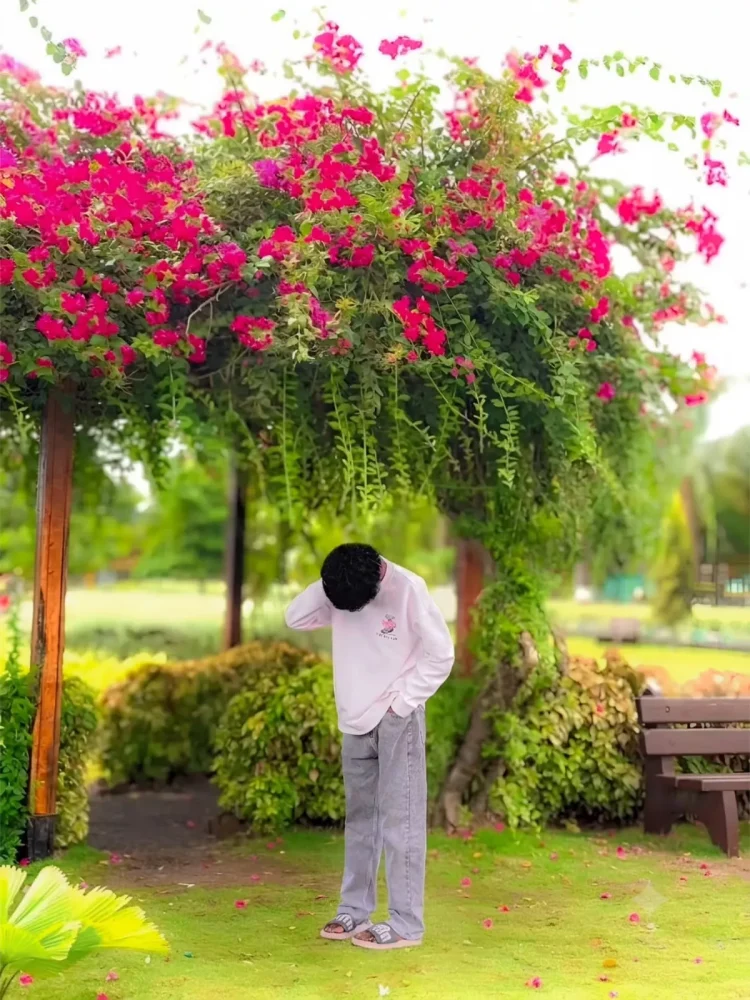
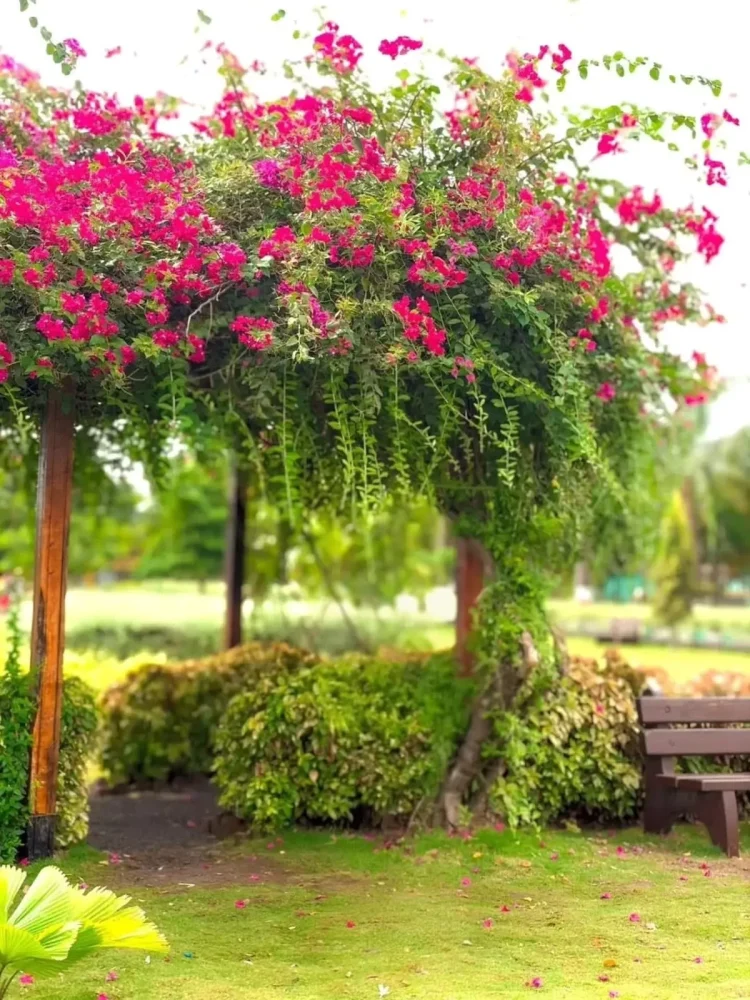
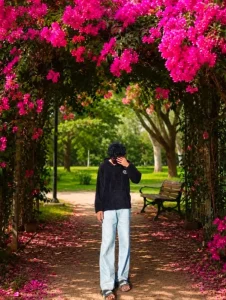
A high-quality, cinematic portrait of a person standing under a lush, vibrant archway overflowing with bright pink bougainvillea flowers. The person is wearing a light-colored long-sleeve sweatshirt and grey jeans, positioned with their head bowed, creating a contemplative or shy mood. The background features a soft-focus park setting with green grass and a wooden bench. The lighting is natural and soft, emphasizing the vibrant colors of the flowers and the serene atmosphere.
Background replacement only.
How To Create This Image In Chatgpt?
We have already shared the prompts for creating these photos; you will find several perfect ones that you can simply copy and use. Just click the copy button to copy the prompt. Next, open ChatGPT—or even Google Gemini, which also delivers excellent results—to create the image. First, paste the prompt, then upload your photo (you can use any photo of yourself). Finally, hit generate, and your image will be ready, perfectly based on the reference photo you provided. Using this method ensures you consistently get great results.
Conclusion
You can easily create the viral flower edits that went viral on Instagram. How can you transform your normal photo into a professional flower photo that looks stunning and looks completely realistic? You’ll be able to create this photo in a completely professional manner if you follow these steps.